

Security and Trust
Your Records, Kept Honestly
Neufinity only works if people believe the record. This page says plainly how sign-in works, how the record is kept, who can see what, and what's live, in testing or still coming.
Neufinity Makes the Software
We don't do the work, manage your building or hold your money.
Contractors do the work and bill their own customers. Property managers and boards run their buildings. Neufinity keeps the record that shows what was done.
1. Sign-In
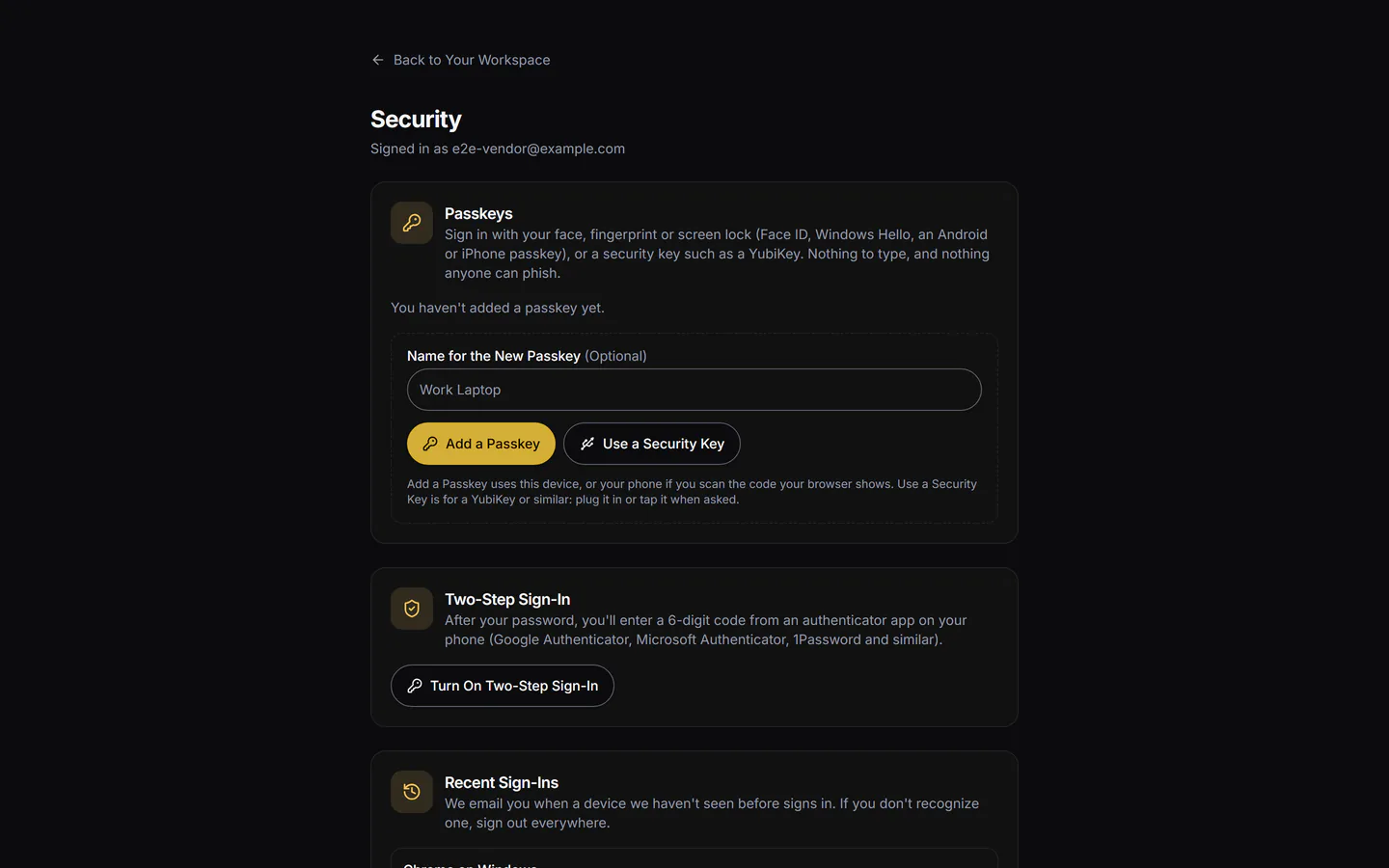
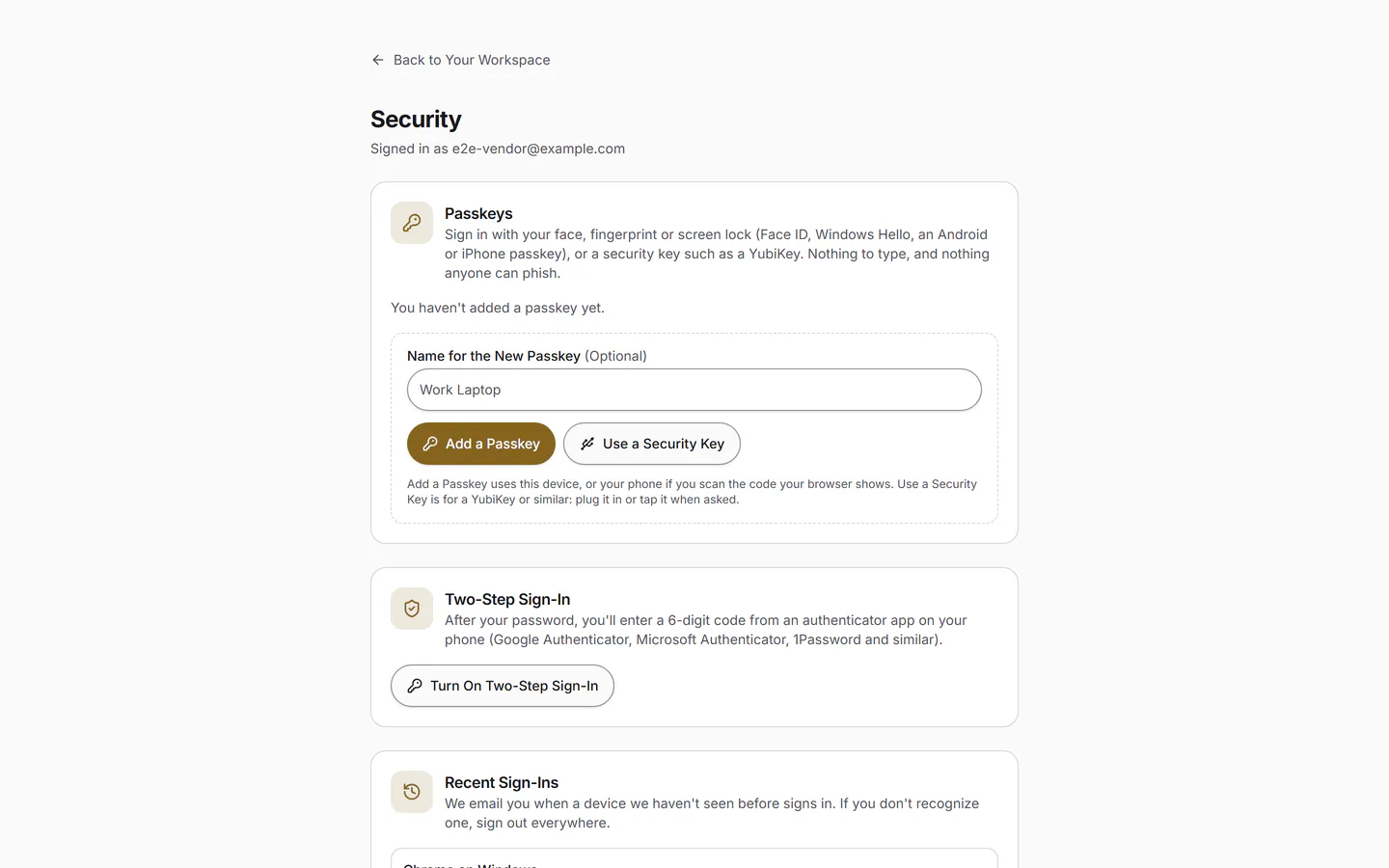
- Passkeys: Face ID, a fingerprint, Windows Hello or the phone's PIN, with nothing to type or forget.
- An emailed code as the fallback.
- Staff must use a passkey or two-step sign-in.
- Sign Out Everywhere ends every session on every device at once.
Sign In with Face ID or a FingerprintIn Final Testing
2. The Record
- Every photo is fingerprinted when it's uploaded, with the time and place it was taken.
- Check-in and check-out times are recorded at the building, not typed in later.
- The official weather for a storm is only ever added to, never edited.
A Record That Shows Any Later EditIn Final TestingEach visit record is chained to the one before it as it's written, so a record changed after the fact stands out.
Anyone holding a record's code can check the record without seeing whose it is.
3. Access
- Managers see the buildings they manage. Board members see their own building, read-only.
- Contractors see their own customers and their own work. A crew seat sees the day's sites, never prices.
- Nobody sees another building's or another company's records.
4. Your Data
- Your records are yours. Export them in full at any time, and take them with you if you leave.
- We don't sell your data and don't use it for advertising.
- Using your records to measure quality is a separate opt-in you can refuse or withdraw.
Hosted in CanadaComing Spring 2027Production data will be stored in Canada. We'll confirm where your data lives, in writing, before you load any records.
5. Status
We'd rather tell you something isn't ready than let you rely on it. Nothing says Live until production has proven it and we've confirmed it in writing.
| Capability | Status |
|---|---|
| Buildings, Contracts and Visits in One PlaceEvery building, service contract and visit is organized by building and by date. | 2027 Season |
| An App for Your VendorsCrews check in and out, take before-and-after photos and add notes. When someone from the building is there, they sign on the crew's phone. | 2027 Season |
| Dated, Photo-Backed RecordsEach photo is fingerprinted when it's uploaded, with the time and location captured, and filed against the visit and the building. | 2027 Season |
| A Proof Portal for Your BoardYou and your board see the visits at your own buildings, and only yours. | 2027 Season |
| Vendor Compliance TrackingKeep your vendors' WSIB clearance and insurance certificates in one place, with reminders before they expire. | Coming Spring 2027 |
| Answers Without the DiggingSee what happened at this building on this date, whether it's a board question, a vendor dispute or a 60-day notice. | 2027 Season |
| Your Records, ExportableLeave at any time and take a full export of your records with you. | 2027 Season |
| A Record That Shows Any Later EditEach visit record is chained to the one before it as it's written, so a record changed after the fact stands out. | In Final Testing |
| Works with Poor SignalThe crew's phone keeps recording in parking garages, basements and dead zones, and syncs when it reconnects. | In Final Testing |
| Hosted in CanadaProduction data will be stored in Canada. We'll confirm where your data lives, in writing, before you load any records. | Coming Spring 2027 |
| ONE, the Liability and Reporting PackAn optional add-on with the board reporting pack, claim packets on demand, the 60-day snow and ice notice log, and the official weather of record for each storm from Environment and Climate Change Canada. | Coming Spring 2027 |
| Your Office, in One PlaceCustomers and sites, seasonal contracts, quotes your customers accept online, invoices with HST in your name, month-end and a QuickBooks export. | In Final Testing |
| Storm Night on One BoardStart the storm and every site on the agreement lines up for the crew. Log each push and salt run at the curb, against the 7 a.m. deadline, and run a practice storm first. | In Final Testing |
| The Official Weather, Filed with Every StormWhen a storm closes, the nearest Environment Canada station's readings are filed beside it, then pulled again as the final figures come in. | In Final Testing |
| A Field App Your Crew Will UseMy Day on the crew's phone: one tap to check in and out, before-and-after photos, site notes and Couldn't Do It. It's added to the home screen from the browser. | In Final Testing |
| Sign In with Face ID or a FingerprintPasskeys instead of passwords, with an emailed code as the fallback. Staff must use a passkey or two-step sign-in. | In Final Testing |
| A Monthly Record for Every BuildingA board-ready record of every visit by date, with snow visits and salt used. Plain counts, no scores. | In Final Testing |
| Anyone with the Code Can Check a RecordEvery visit record carries a code. Enter it on the Check a Record page to see whether it matches what was recorded, without seeing whose it is. | In Final Testing |
6. Practices
- Automatic dependency security updates, secret scanning with push protection, and code scanning on every change, on GitHub.
- Every change runs the full test suite, including tests that try to read one company's records as another.
- Backups with a tested restore, and an outside penetration test, will be listed here once they've happened.
7. Report a Concern
Email our security address. A person reads every message. Security researchers can also find our contact in security.txt.
security@neufinity.comQuestions about your personal information go to our Privacy Officer at privacy@neufinity.com.
Read the Privacy Policy, the Terms of Use and the Cookie Policy.

Made in London, Ontario
Questions Before You Sign?
Ask us anything about data or security. See Pricing.