

Visit Proof
A Record That Holds Up
Times recorded at the building, photos fingerprinted when they're uploaded, and who signed, filed by building and by date.
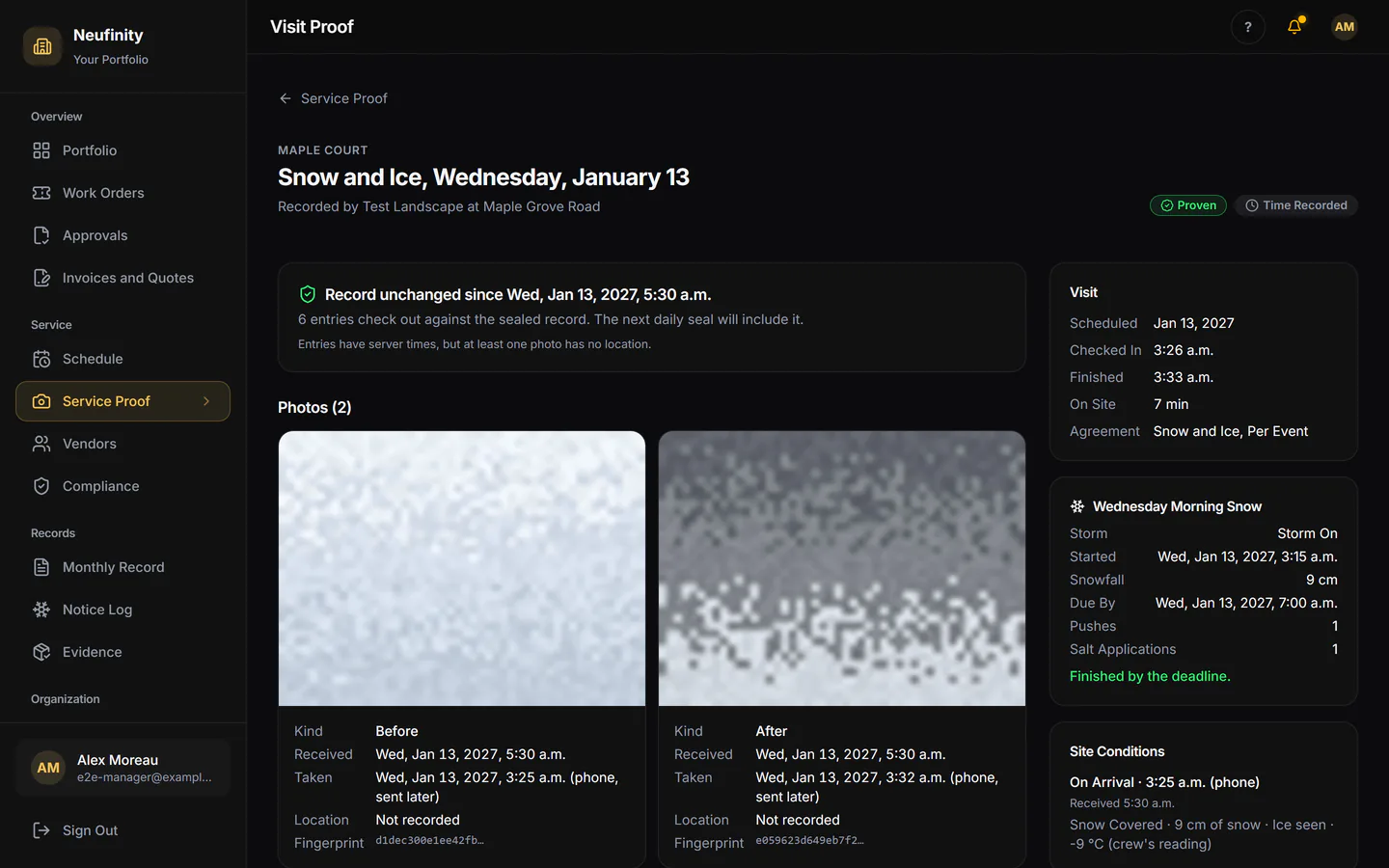
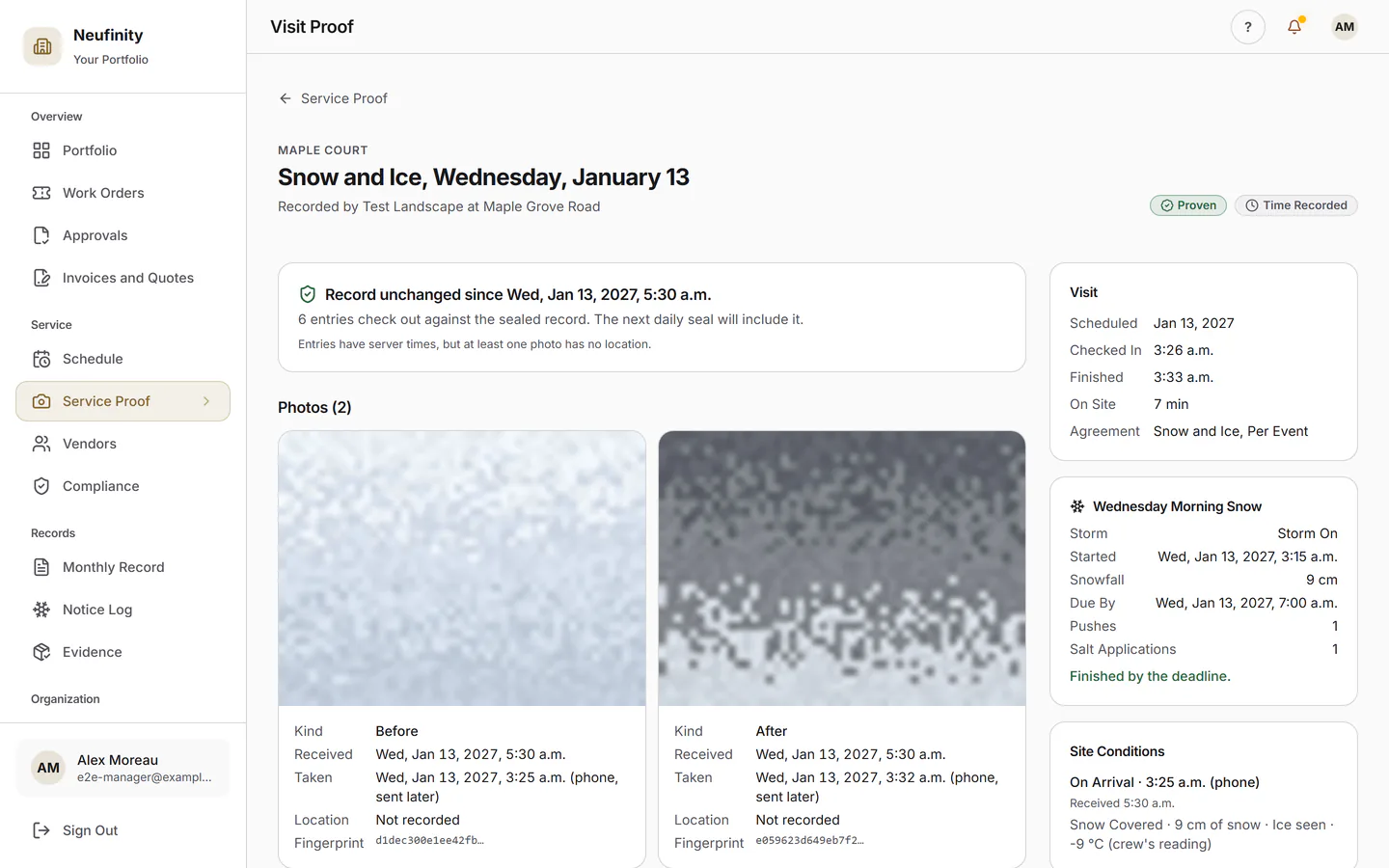
The Visit
What Was Done, When, and Who Signed
The crew checks in and out at the building and takes the before and after. When someone from the building is there, they sign on the crew's phone; when no one is, the record says so plainly.
- Times recorded on site
- Before and after photos
- Who signed, or that no one did
Check a Record
Anyone with the Code Can Check It
Every visit record carries a code. Enter it on the Check a Record page to see whether it still matches what was recorded, without seeing whose it is.
- Anyone with the Code Can Check a Record In Final Testing
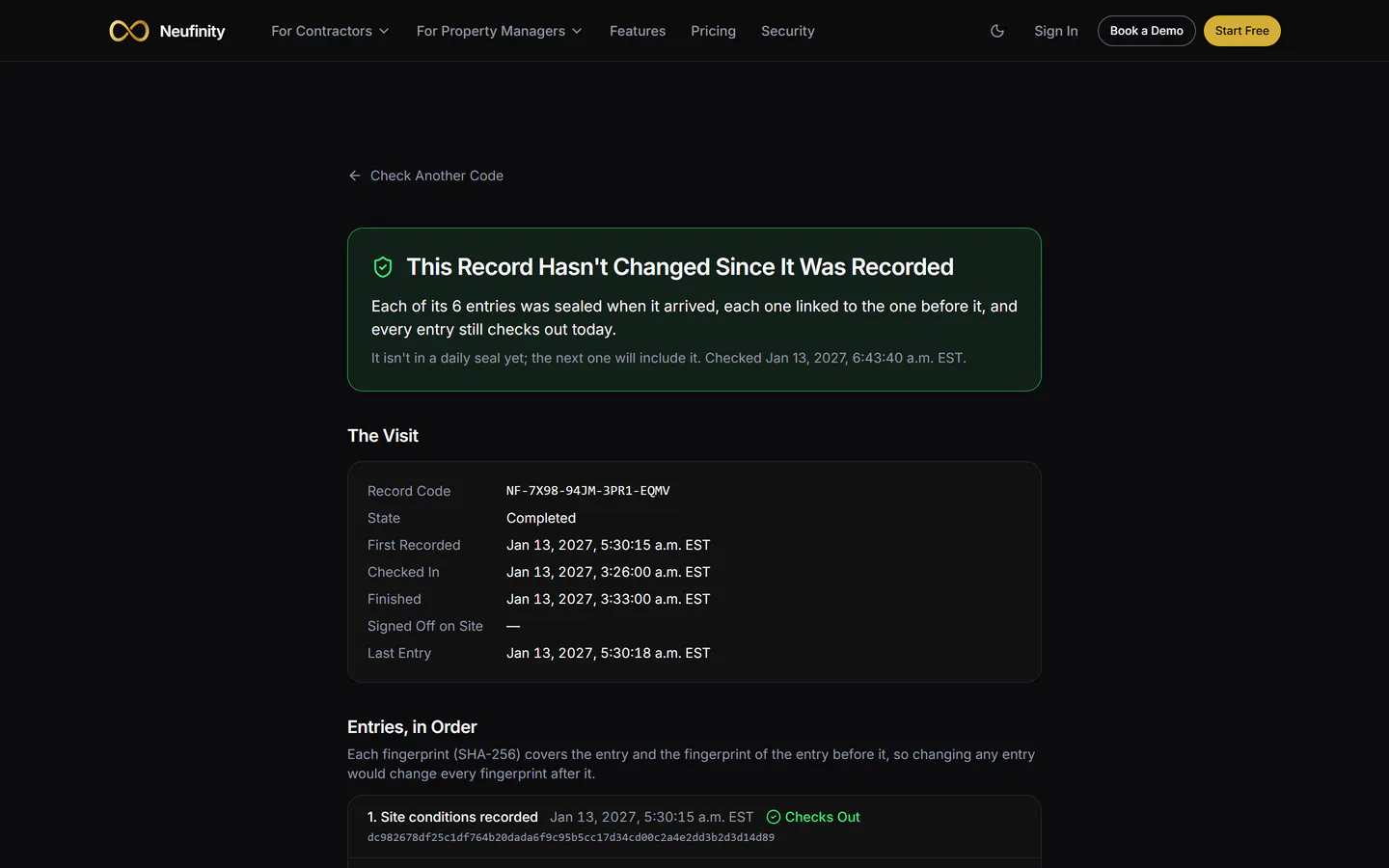
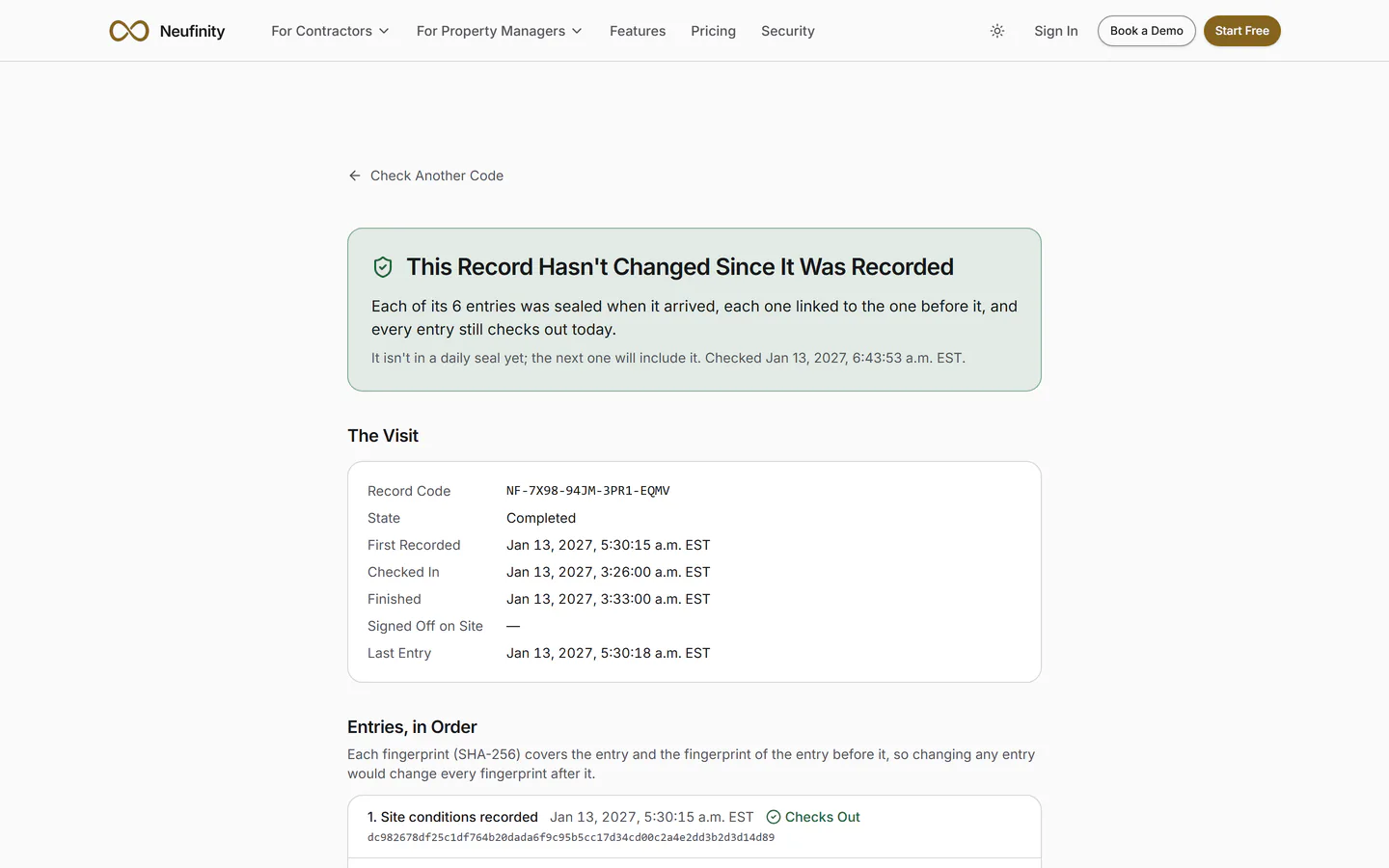
Try the Sample
Build a Visit Record
Seven steps, about a minute. Click through a made-up snow and ice visit the way a crew records it, then ask the record the question your board asks.
Sample Building · Made-Up Data
A working sample of the 2027 vendor app and board view. Nothing here is a real building, vendor or person, and nothing you click is saved.
Today · Tue, Jan 12
Maple Court (Sample)
Snow and Ice · Walks, entrances and lot
Not started
The crew's phone · Sample
Step 1 of 7
The Visit Is on the Schedule
The manager set up the building once, with its snow and ice agreement. The visit shows up on the crew's phone under Today. The crew belongs to the vendor you already use; Neufinity doesn't choose or dispatch anyone.
- Building
- Sample building: 48 units, London, ON
- Vendor
- Sample Grounds Co.
- Agreement
- Snow and ice agreement (Sample)
- Date
- Tuesday, January 12, 2027
How It Fits
One Visit, from Quote to Proof
Quote
The customer accepts online.
Schedule
The visit lands on a crew's day.
Visit
Recorded at the building.
Proof
The building sees the record.
Invoice
In the contractor's name.