

Field App
One Tap at the Curb
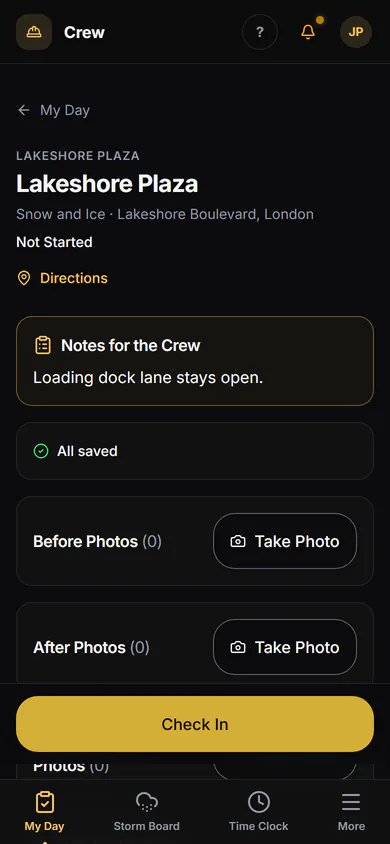
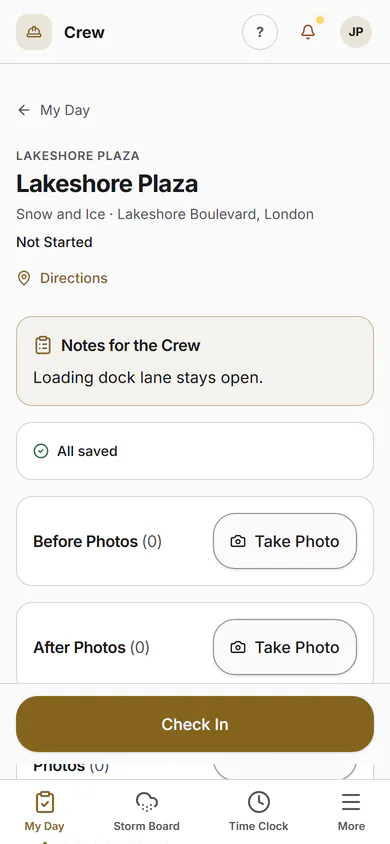
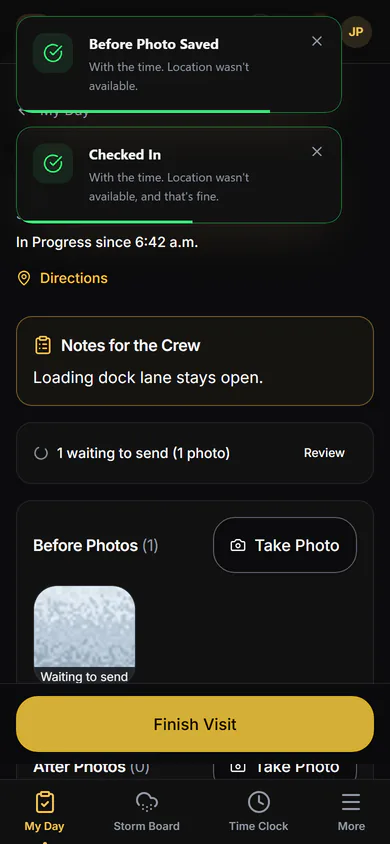
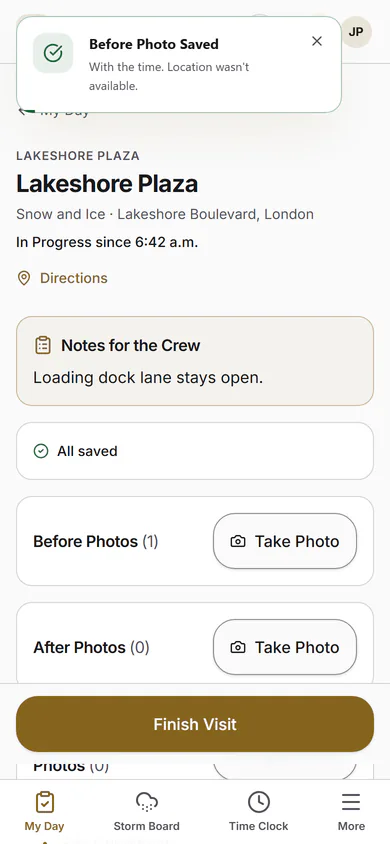
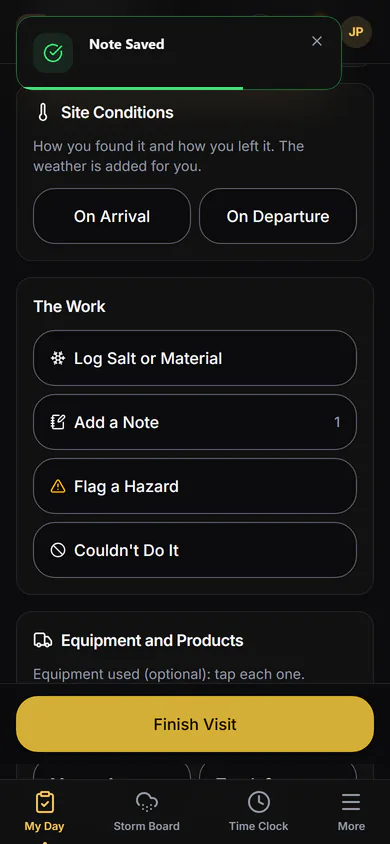
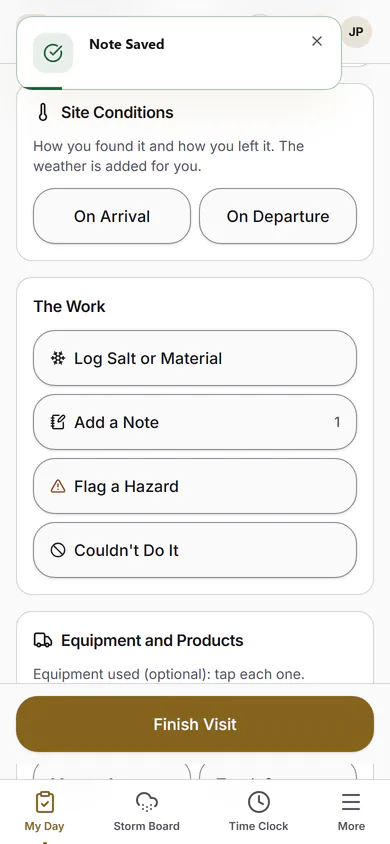
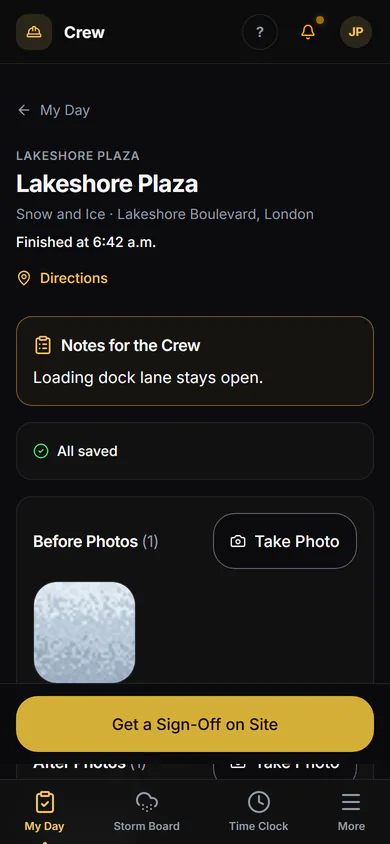
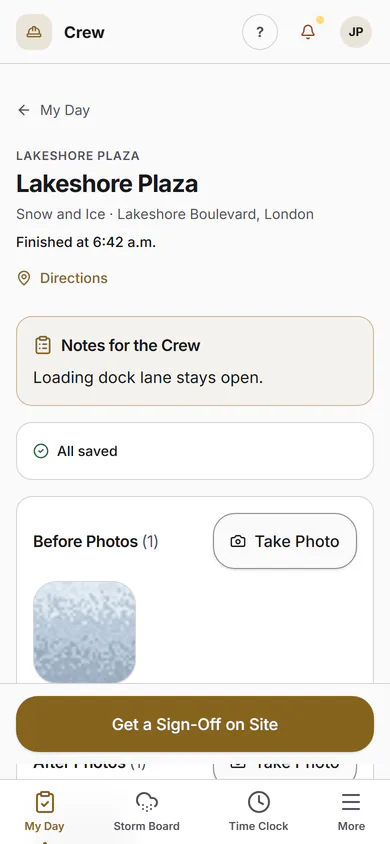
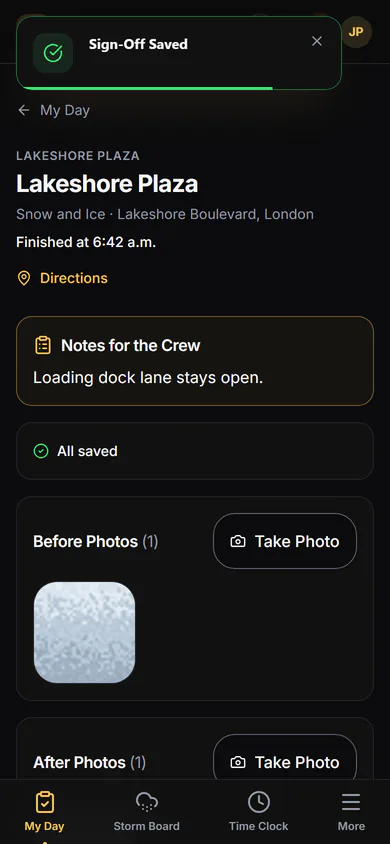
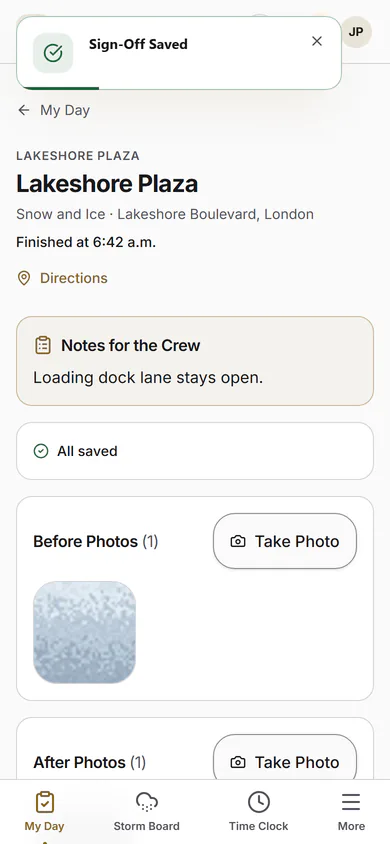
One screen for the crew: where to go, one tap to check in, the camera for the before and after, one tap to check out.
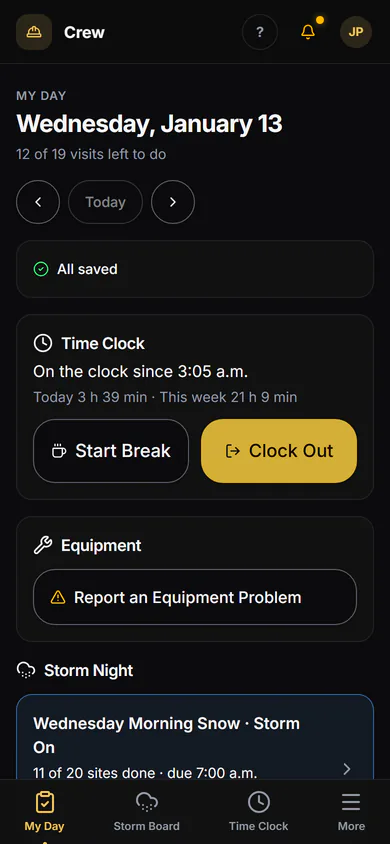
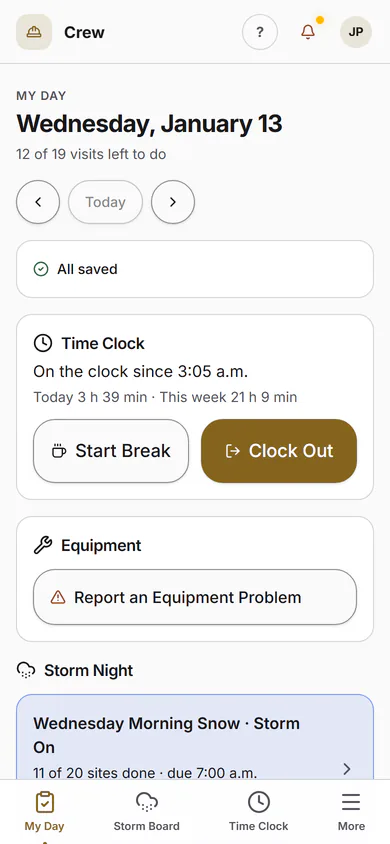
My Day
Today's Sites, in Order
The crew opens My Day and sees today's sites in route order. One tap opens the visit.
- Route order from the office
- Site notes where they're needed
- Couldn't Do It, with a reason
No Passwords
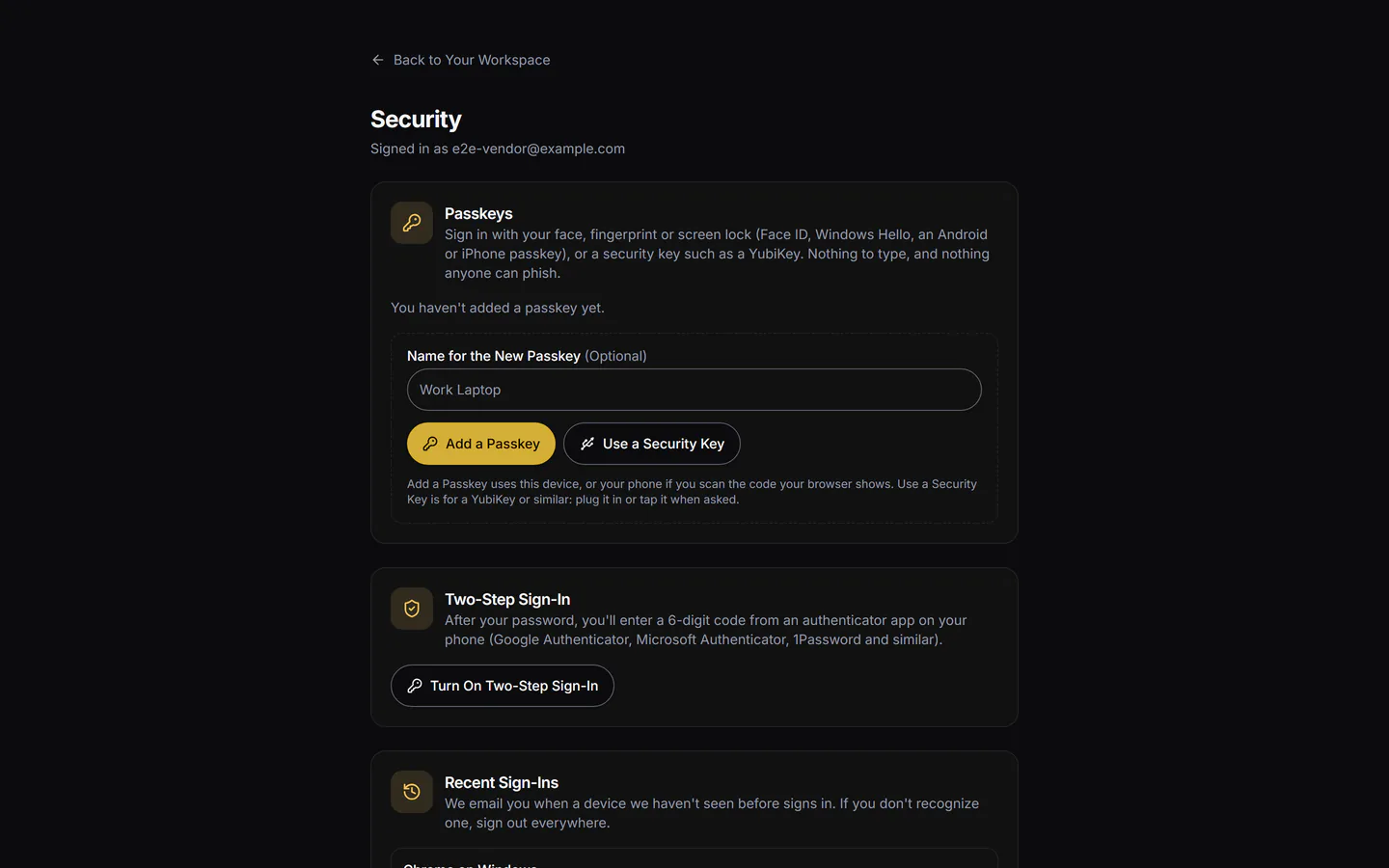
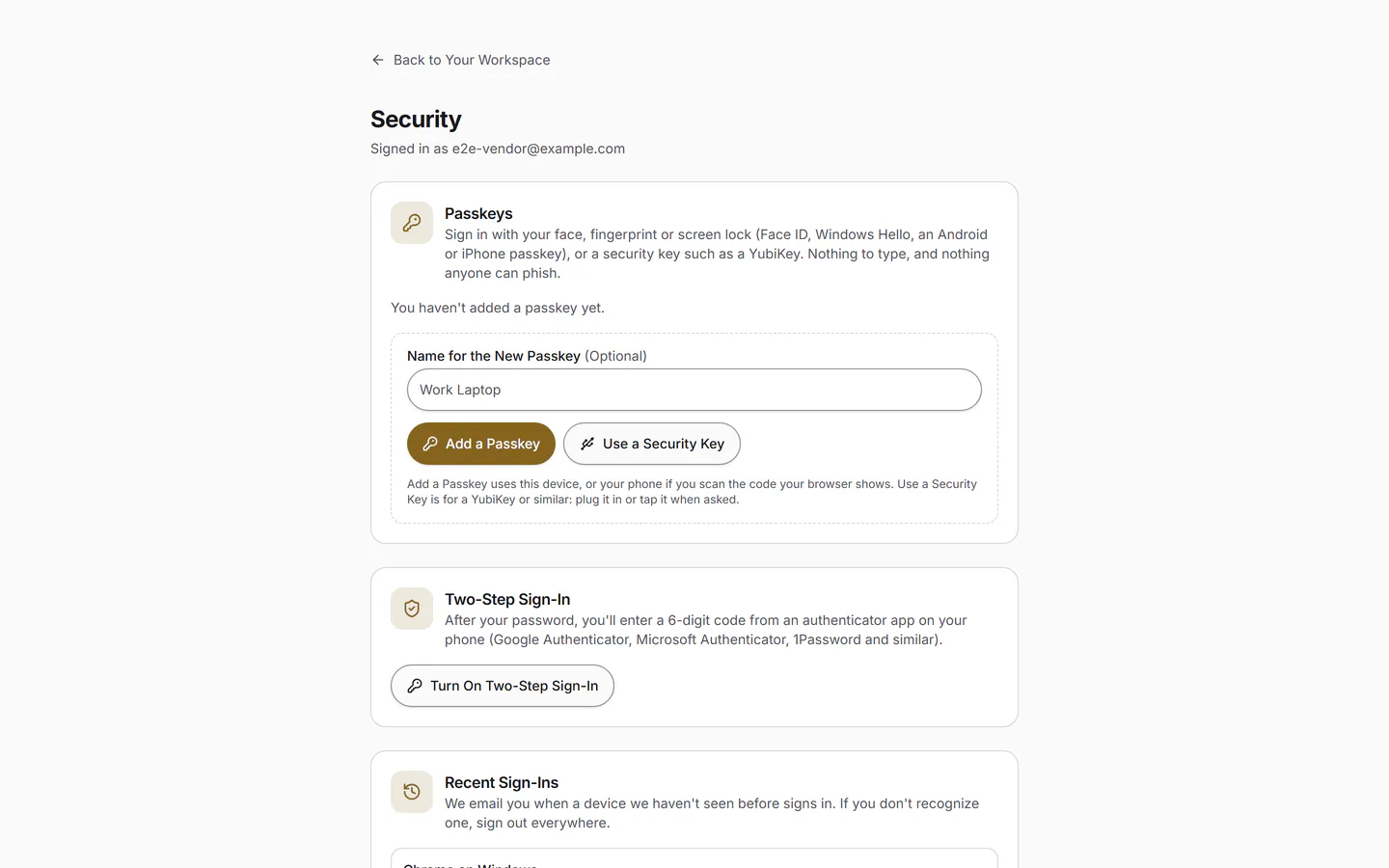
Face ID or a Fingerprint
The app is added to the home screen from the browser. Signing in is a passkey: Face ID, a fingerprint or the phone's PIN, with nothing to forget.
- Sign In with Face ID or a Fingerprint In Final Testing
Timesheets
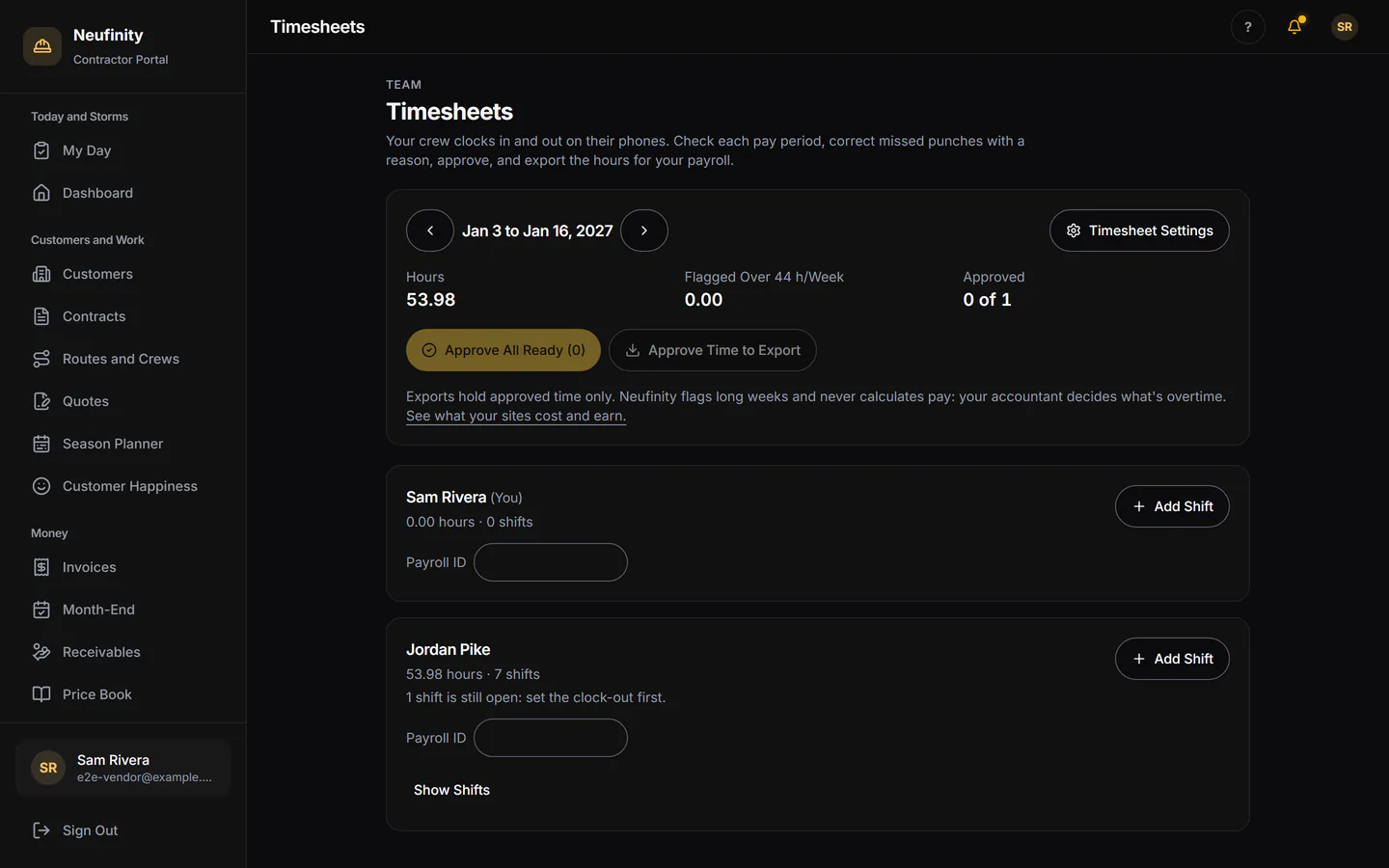
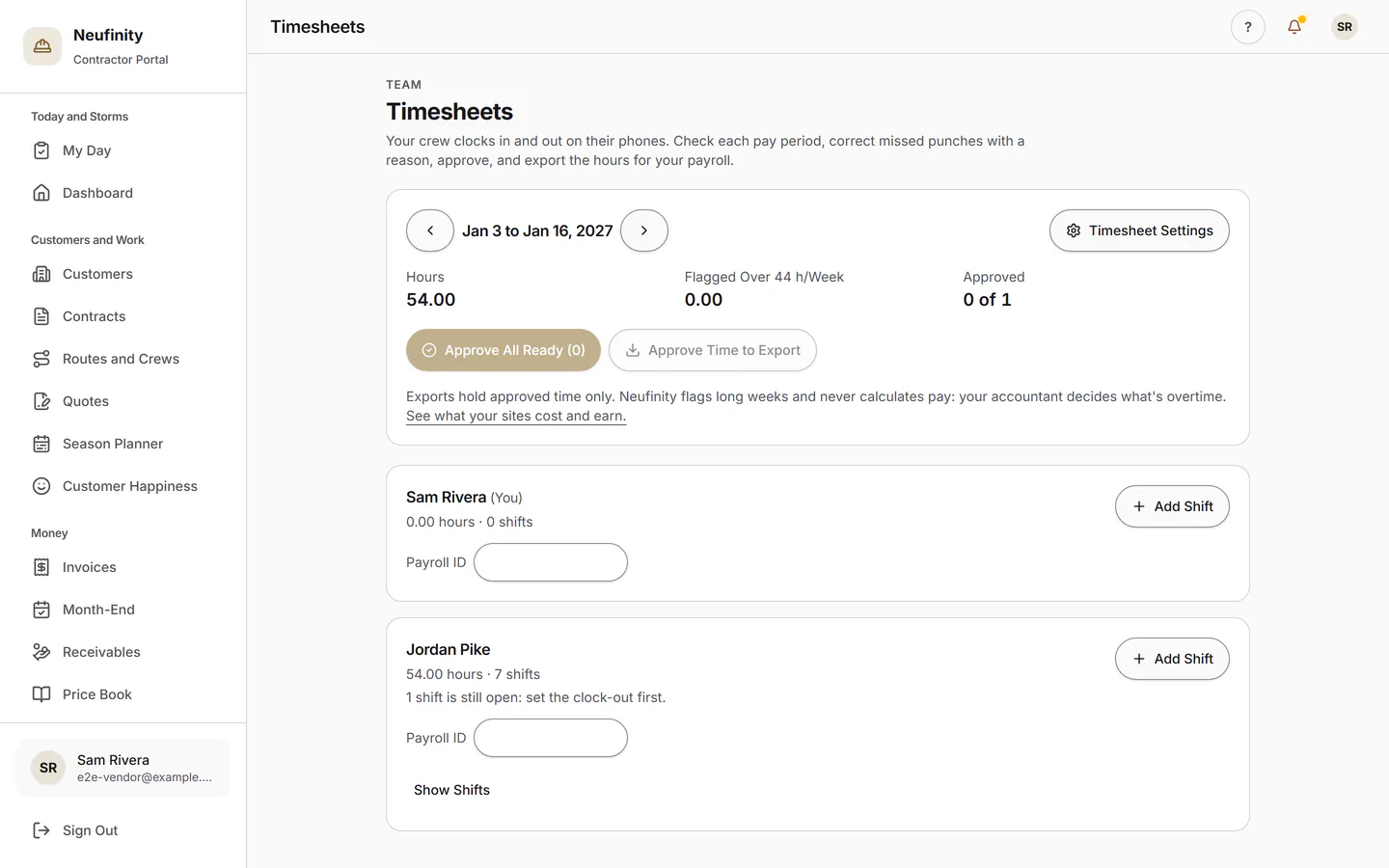
Hours from the Same Phone
Clock in and out on the phone the crew already carries. The office approves the week and exports it for payroll.
How It Fits
One Visit, from Quote to Proof
Quote
The customer accepts online.
Schedule
The visit lands on a crew's day.
Visit
Recorded at the building.
Proof
The building sees the record.
Invoice
In the contractor's name.

Made in London, Ontario
Give Your Crew One Screen
The field app comes with the contractor office, free until May 1, 2027. See Pricing.
Contractor accounts open by invitation while we onboard this season. Ask for yours, and we'll reply within one business day.