

For Trade Contractors · Snow and Landscape First
Run Your Whole Business
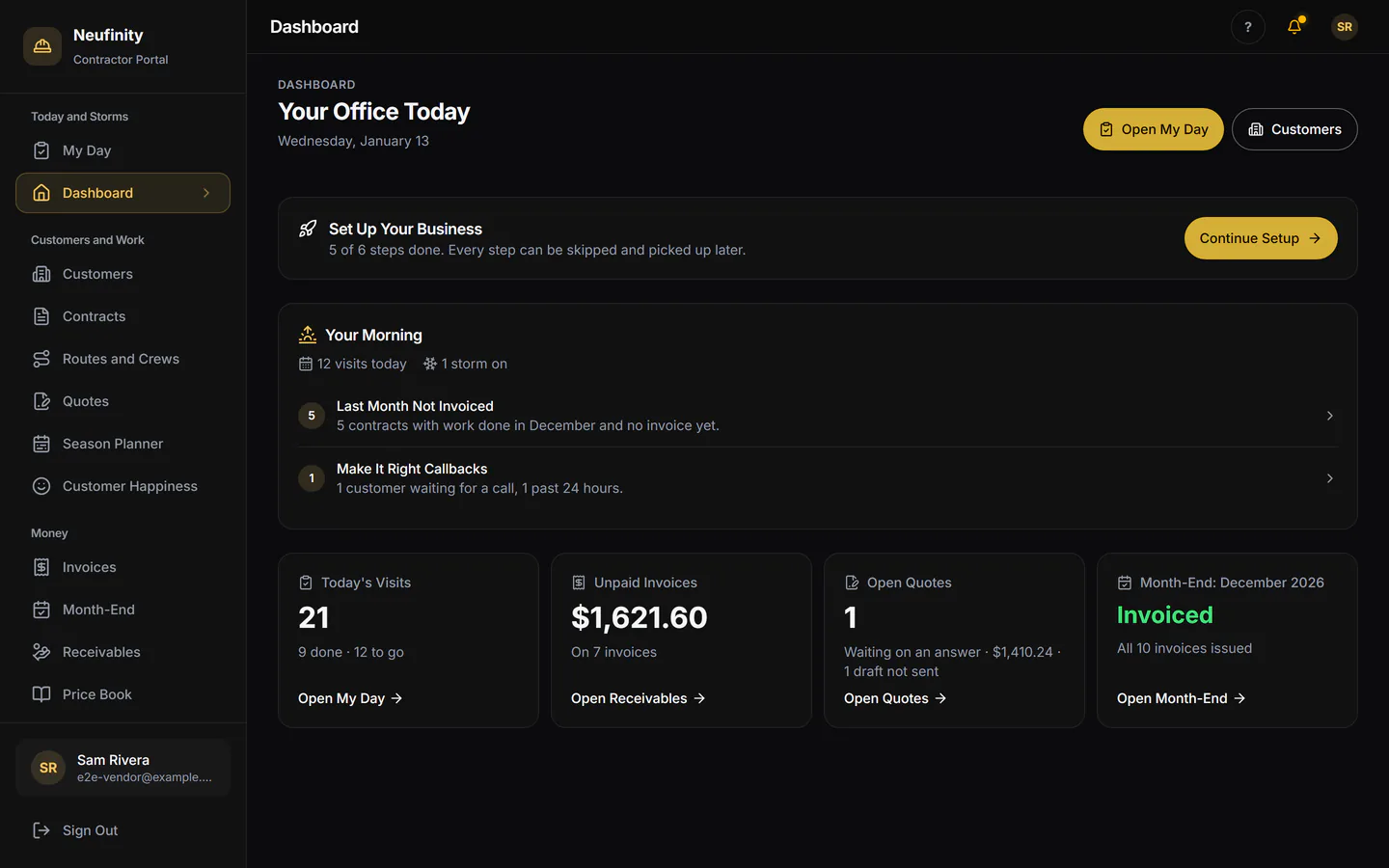
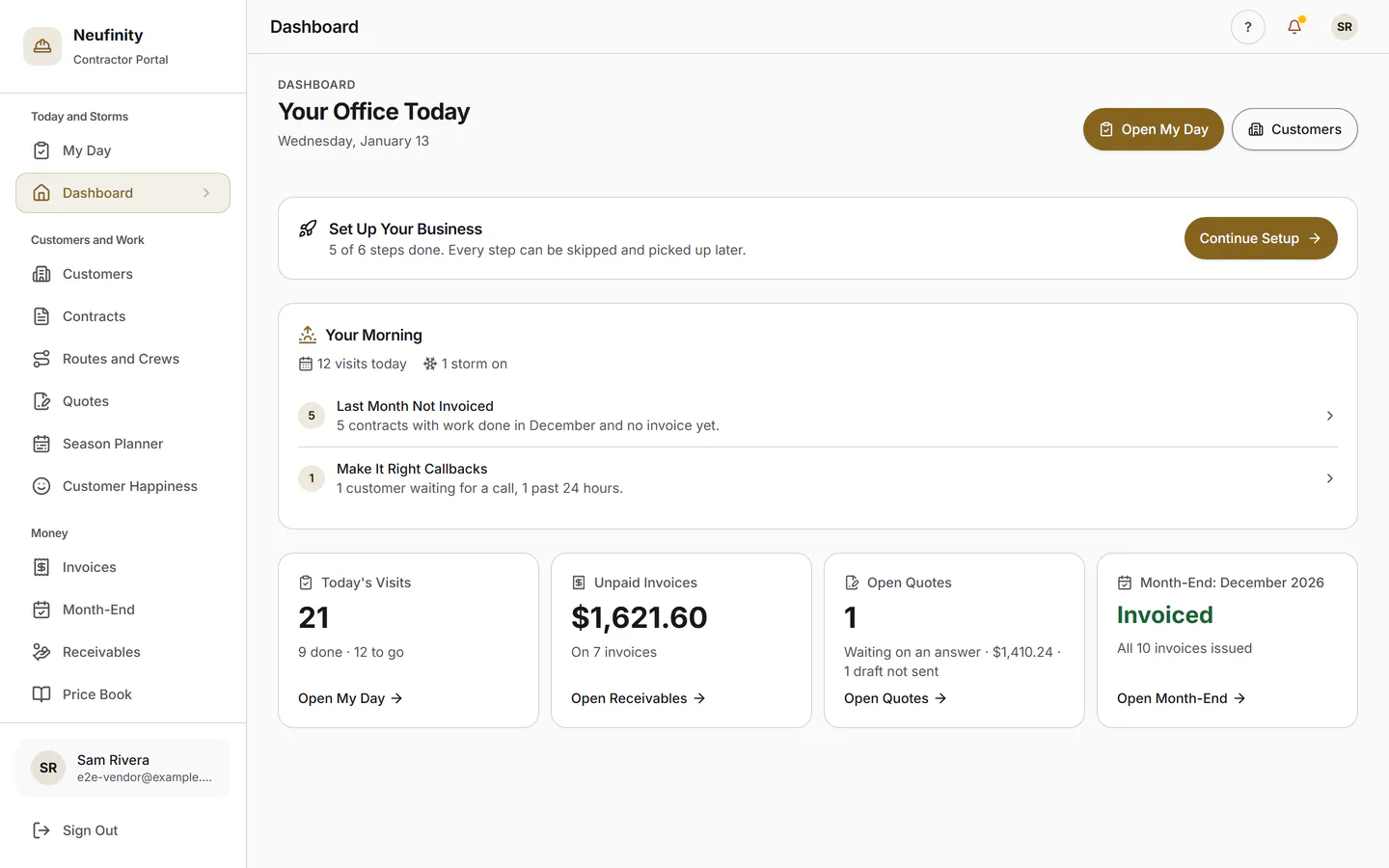
Customers, quotes, routes, storm nights, invoices and month-end, with a field app your crew will actually use. Every visit becomes proof your customers can see.
Storm Night
The Whole Storm on One Board
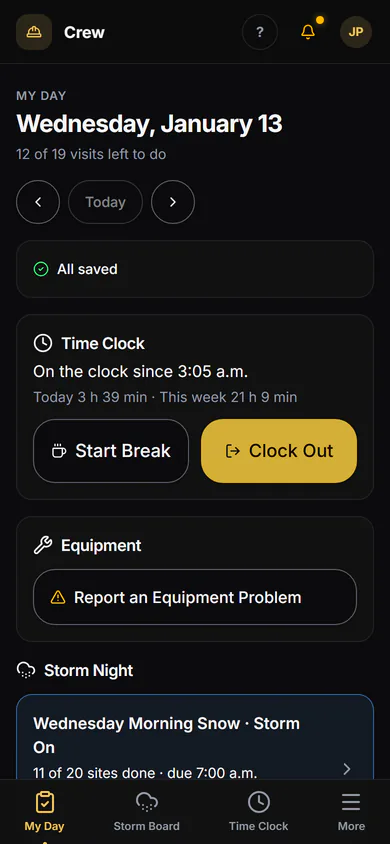
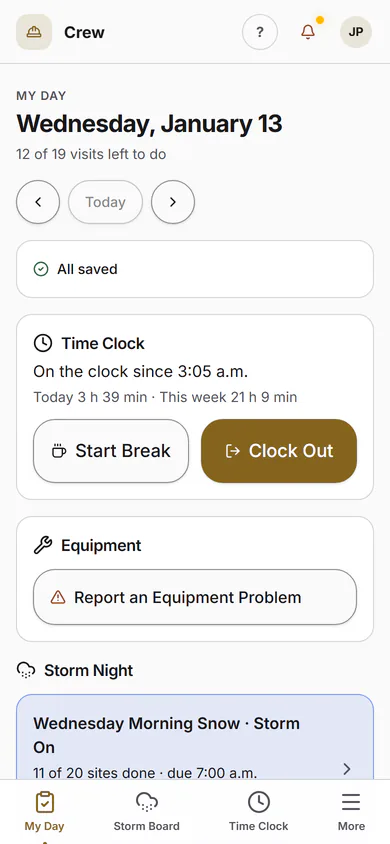
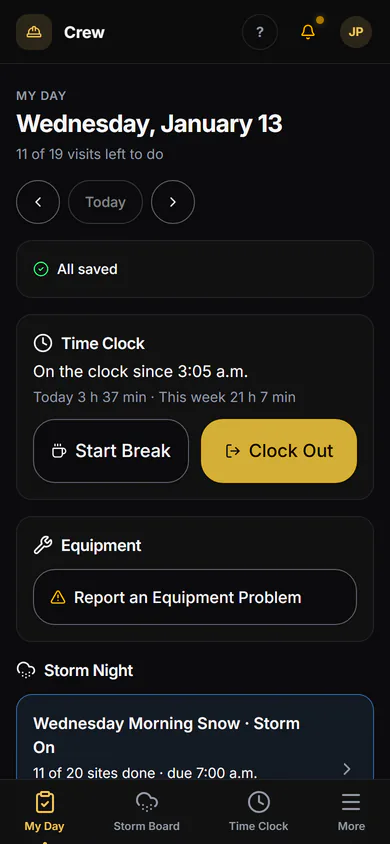
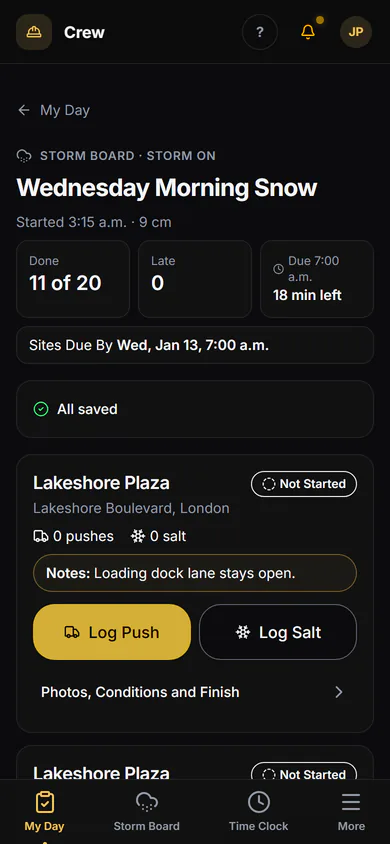
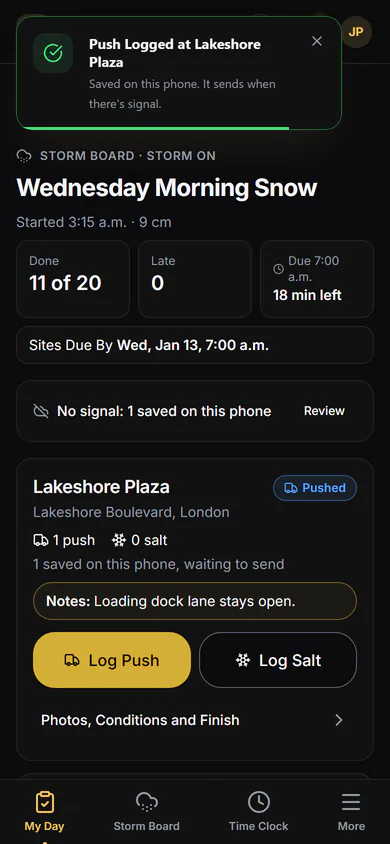
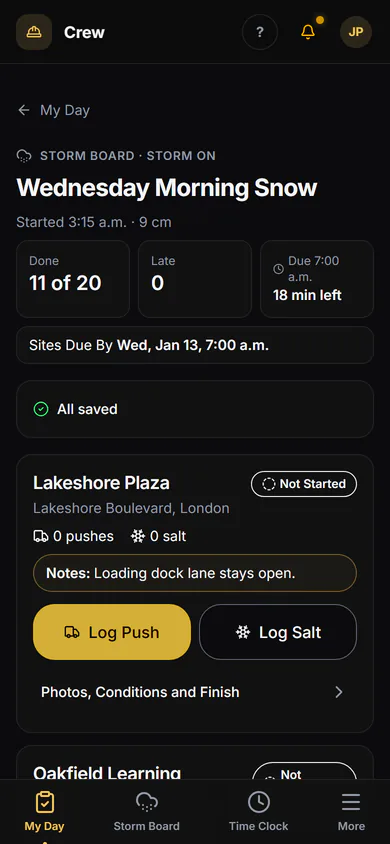
Start the storm and every site on your agreements lines up for the crew. Each push and salt run is logged at the curb, the 7 a.m. deadline is on the board, and the official weather is filed when it closes.
- Storm On, from the office or a phone
- Log a Push and Log Salt, per site
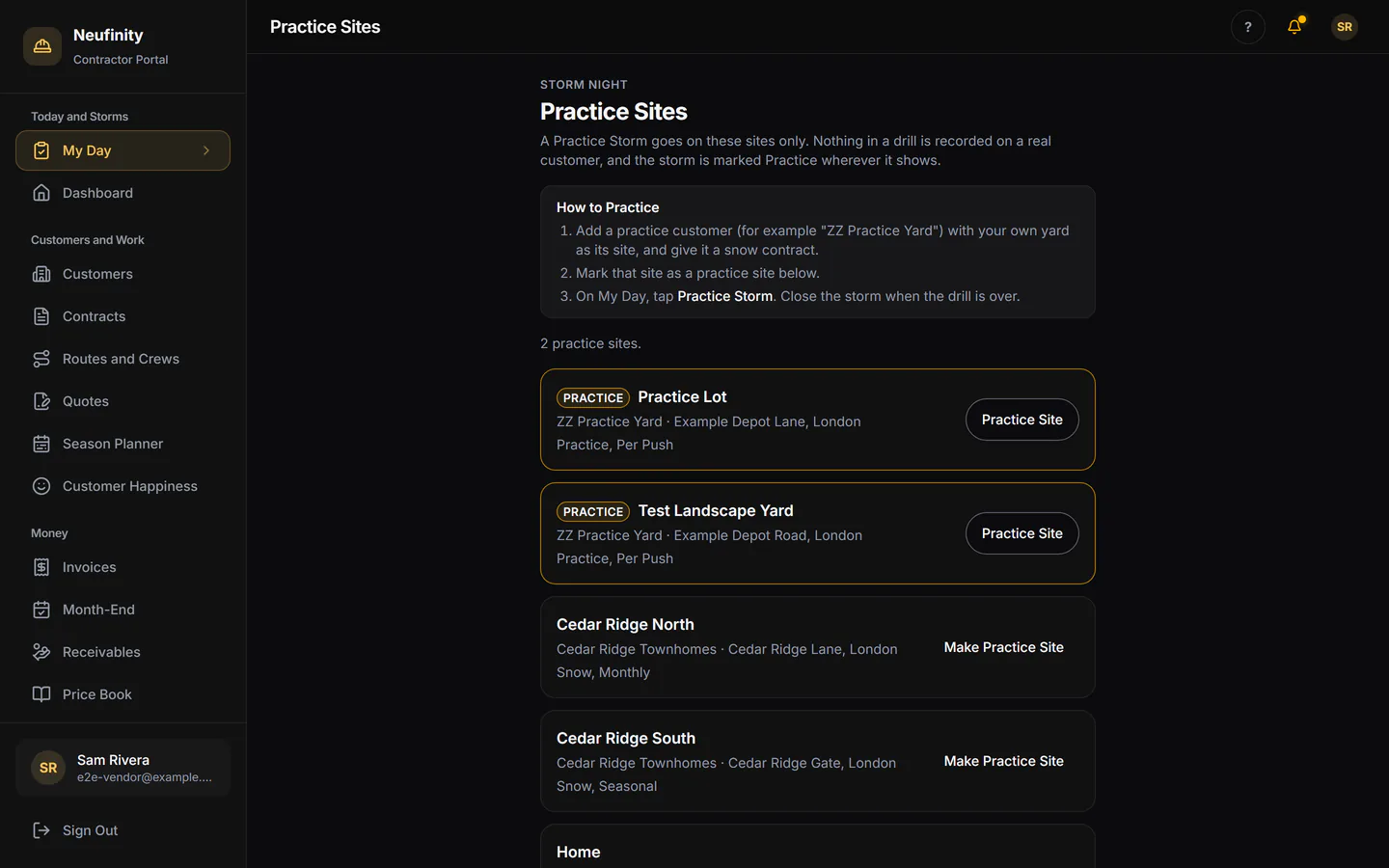
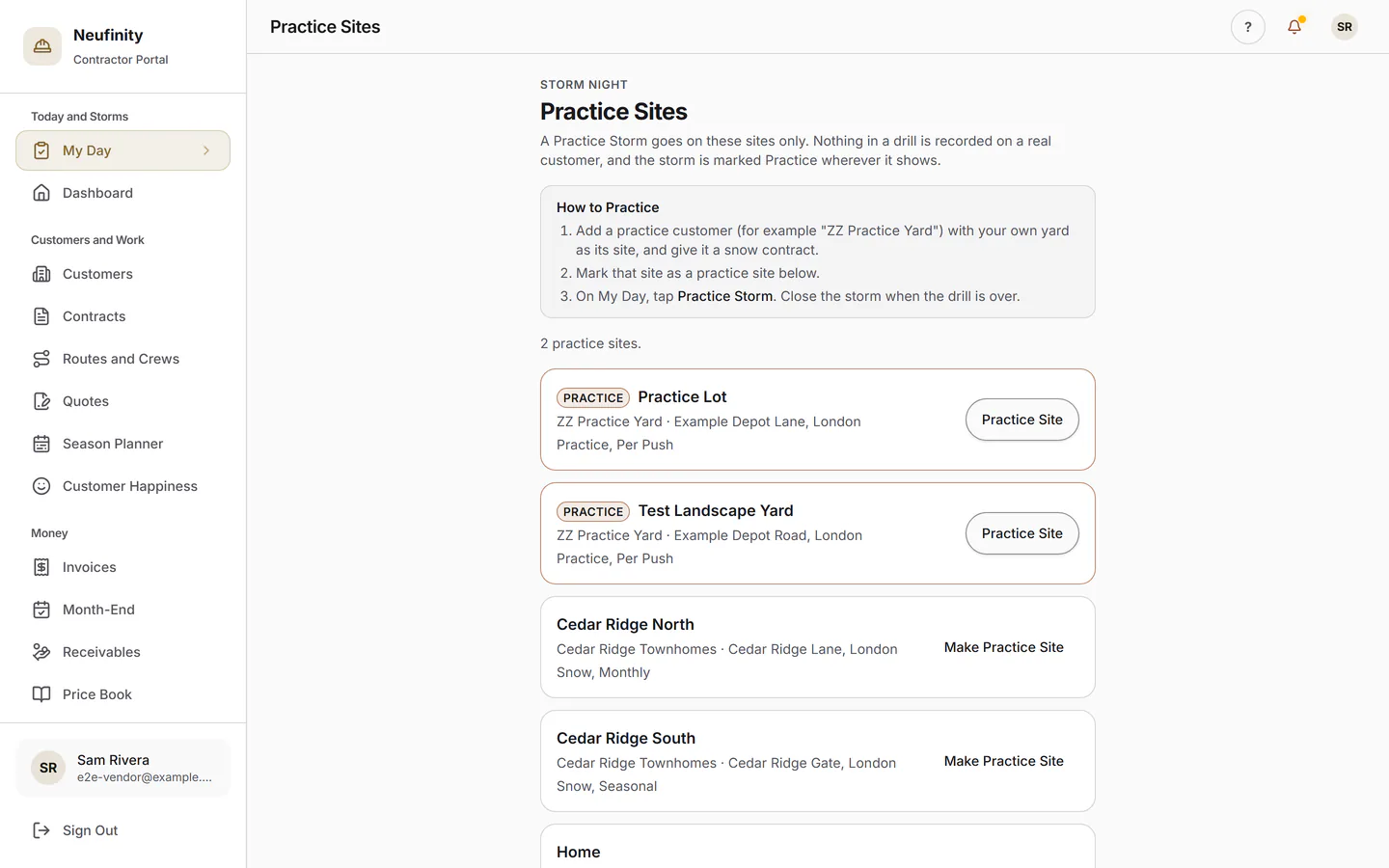
- Practice storms on practice sites
- Environment Canada weather with each storm
- Works with Poor Signal In Final Testing
The Office
Quote, Schedule, Invoice. In Your Name.
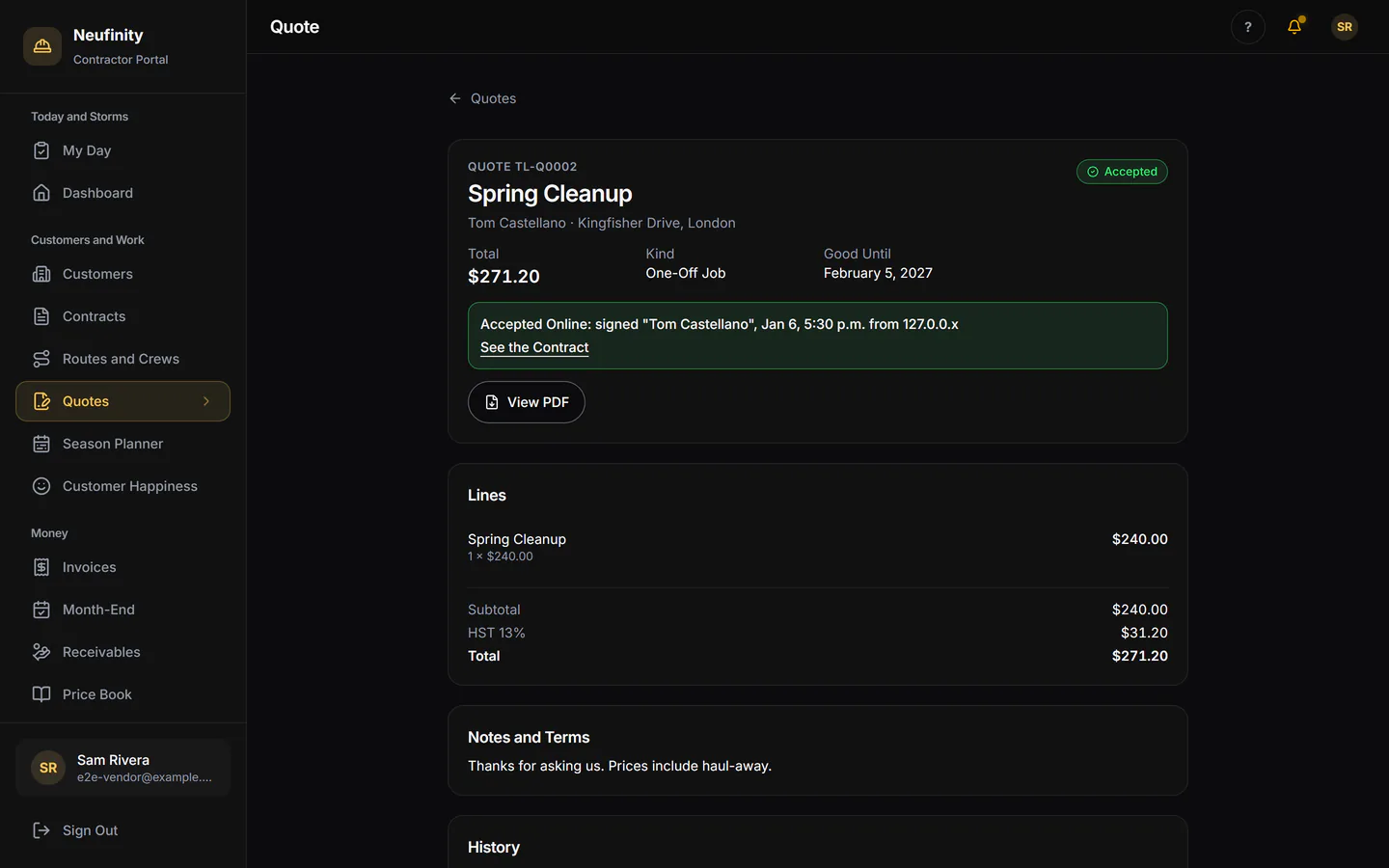
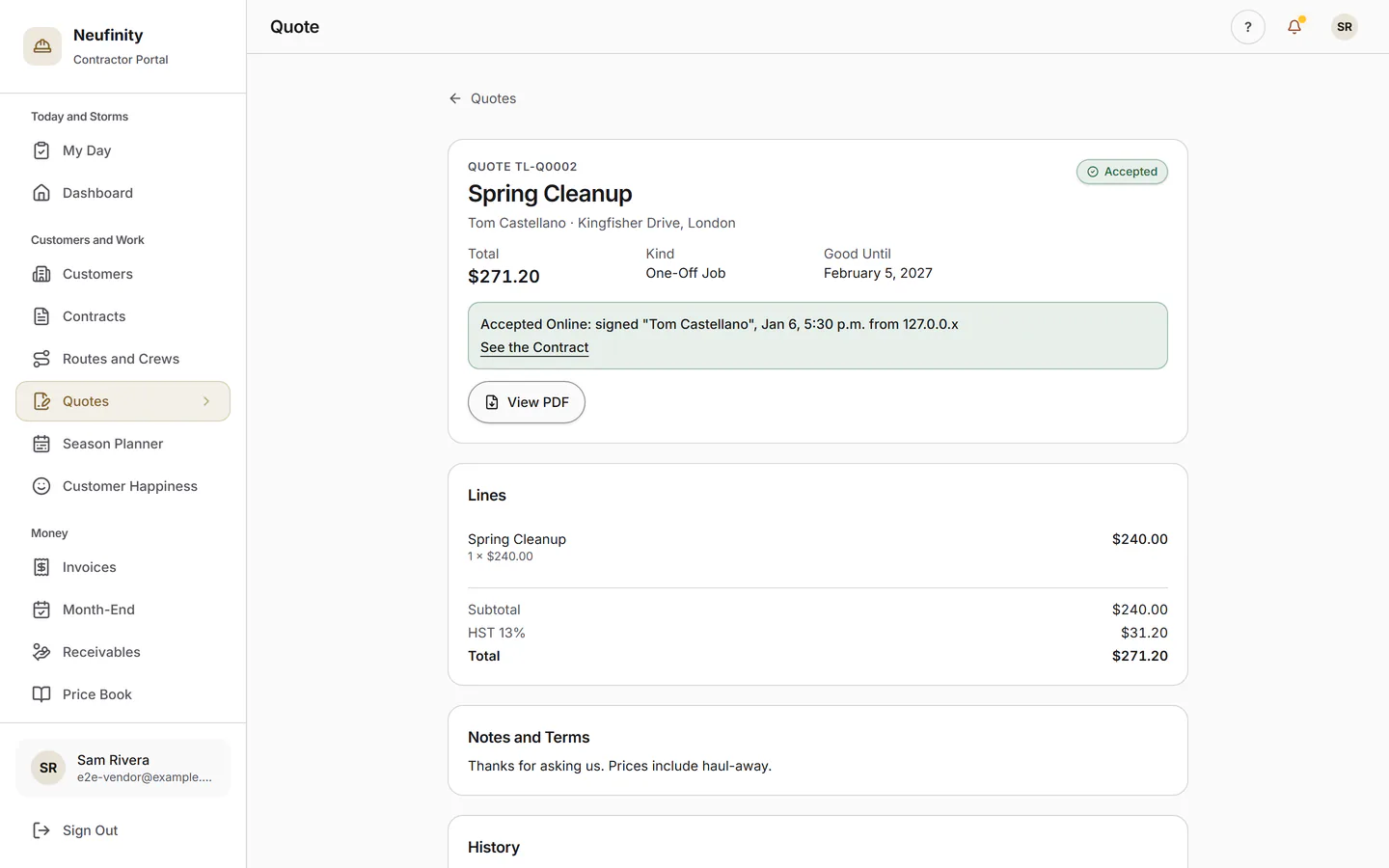
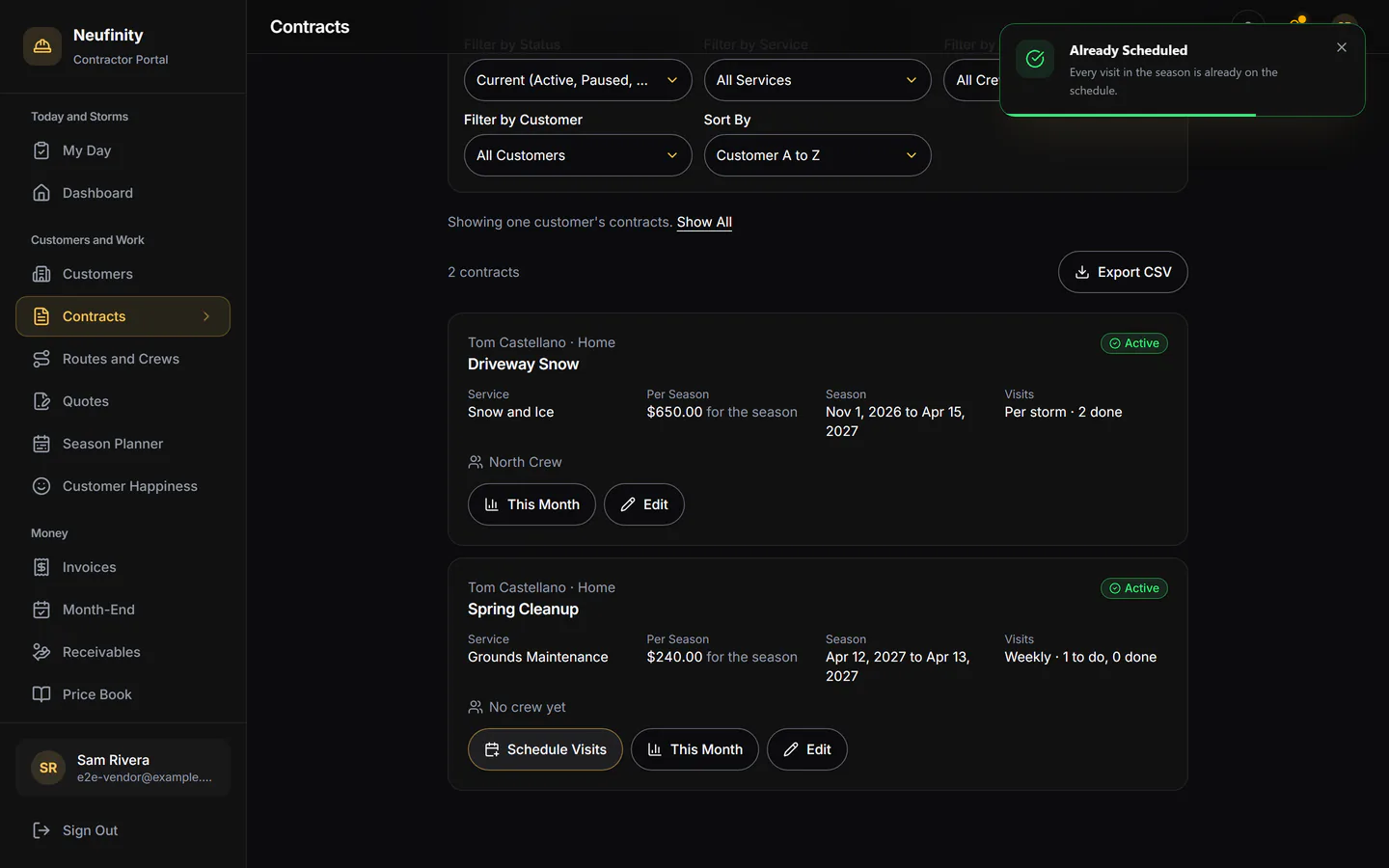
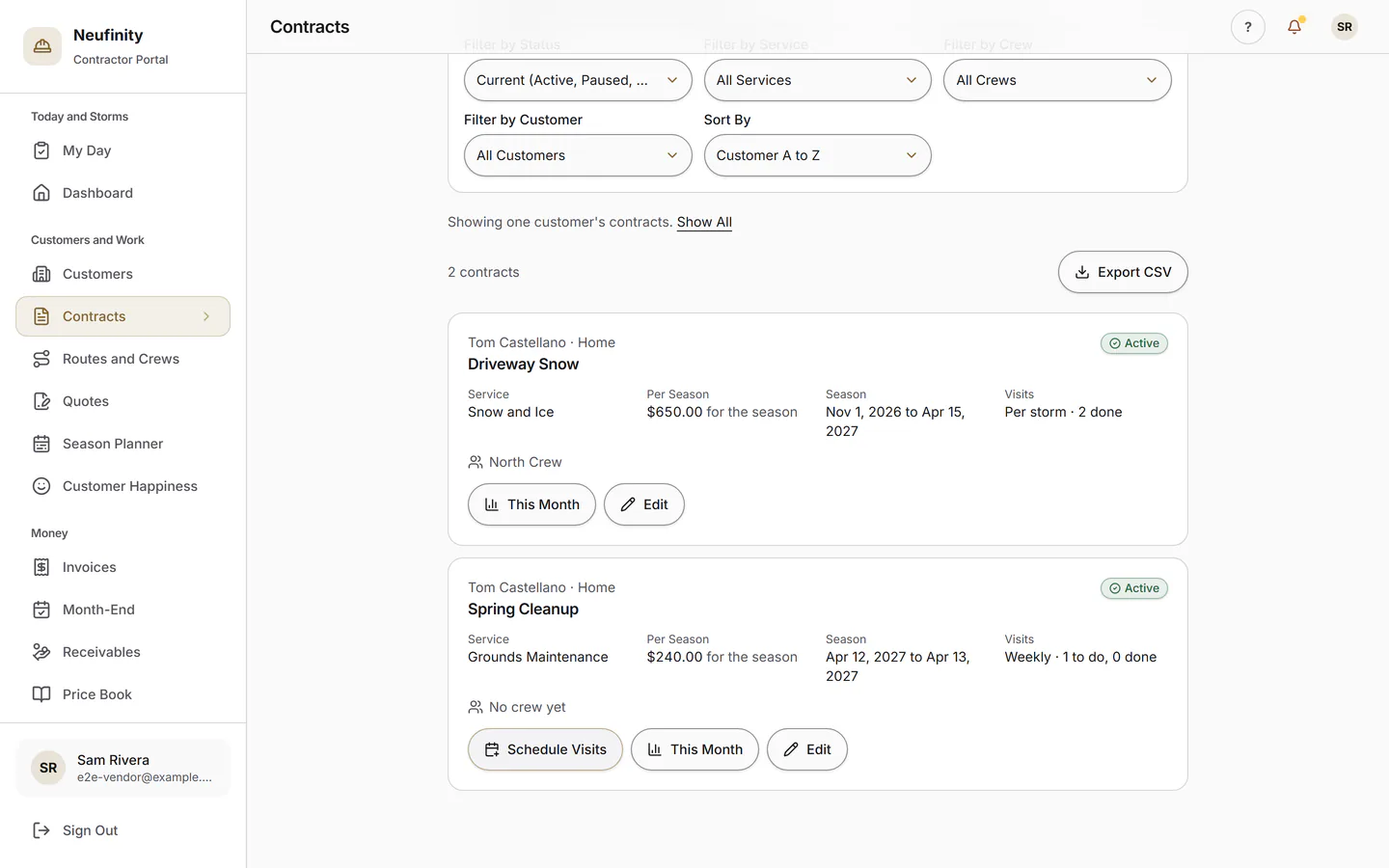
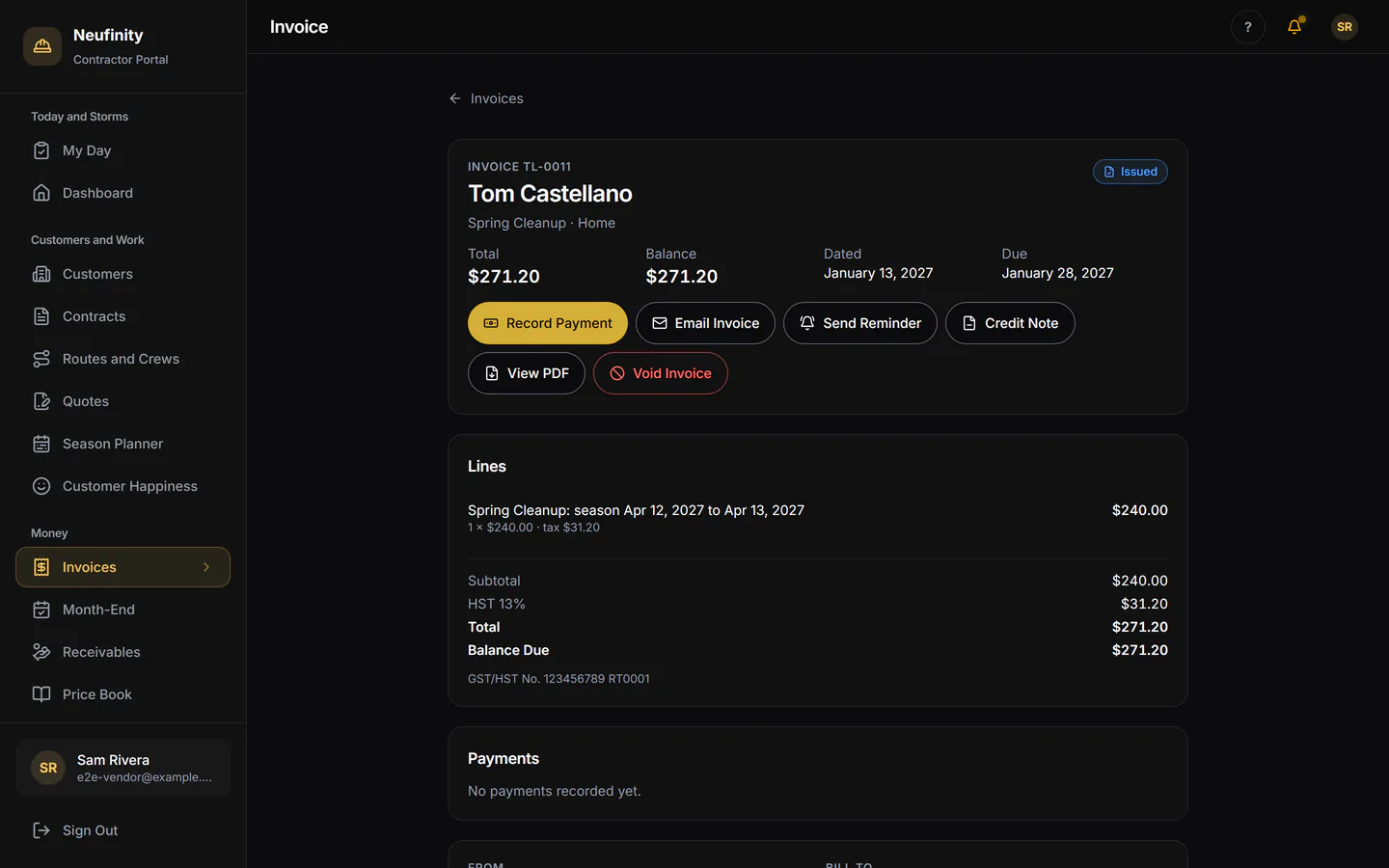
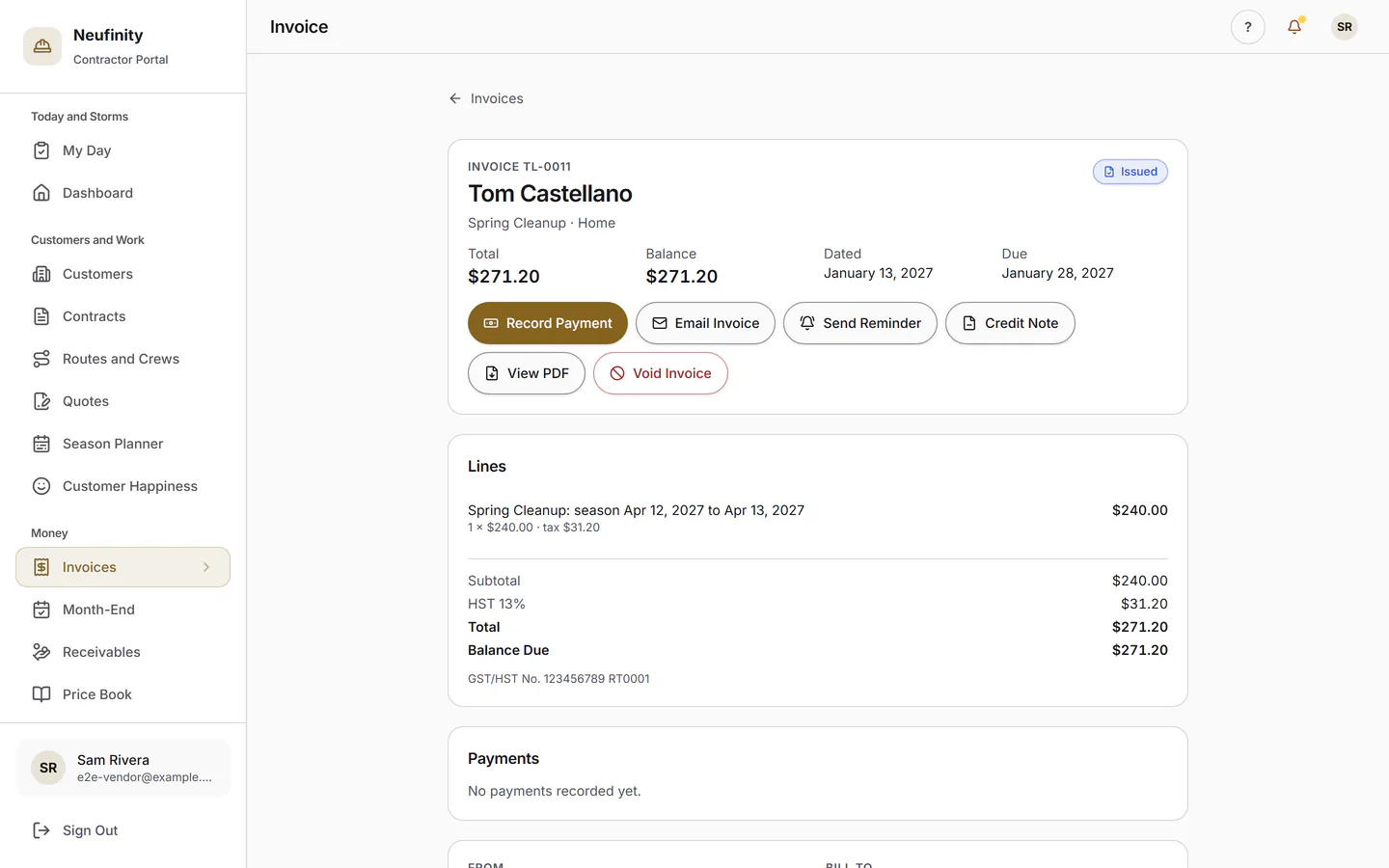
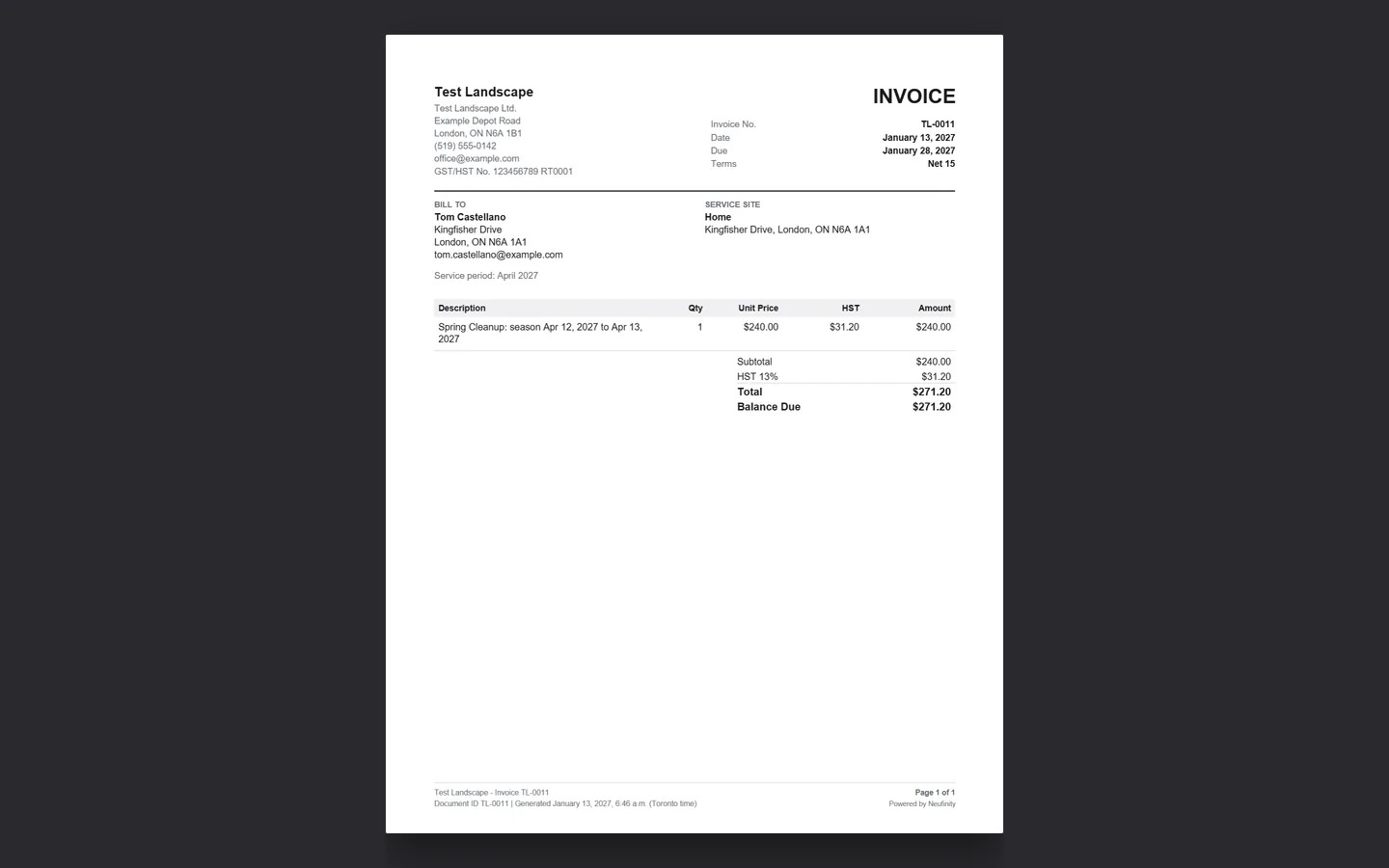
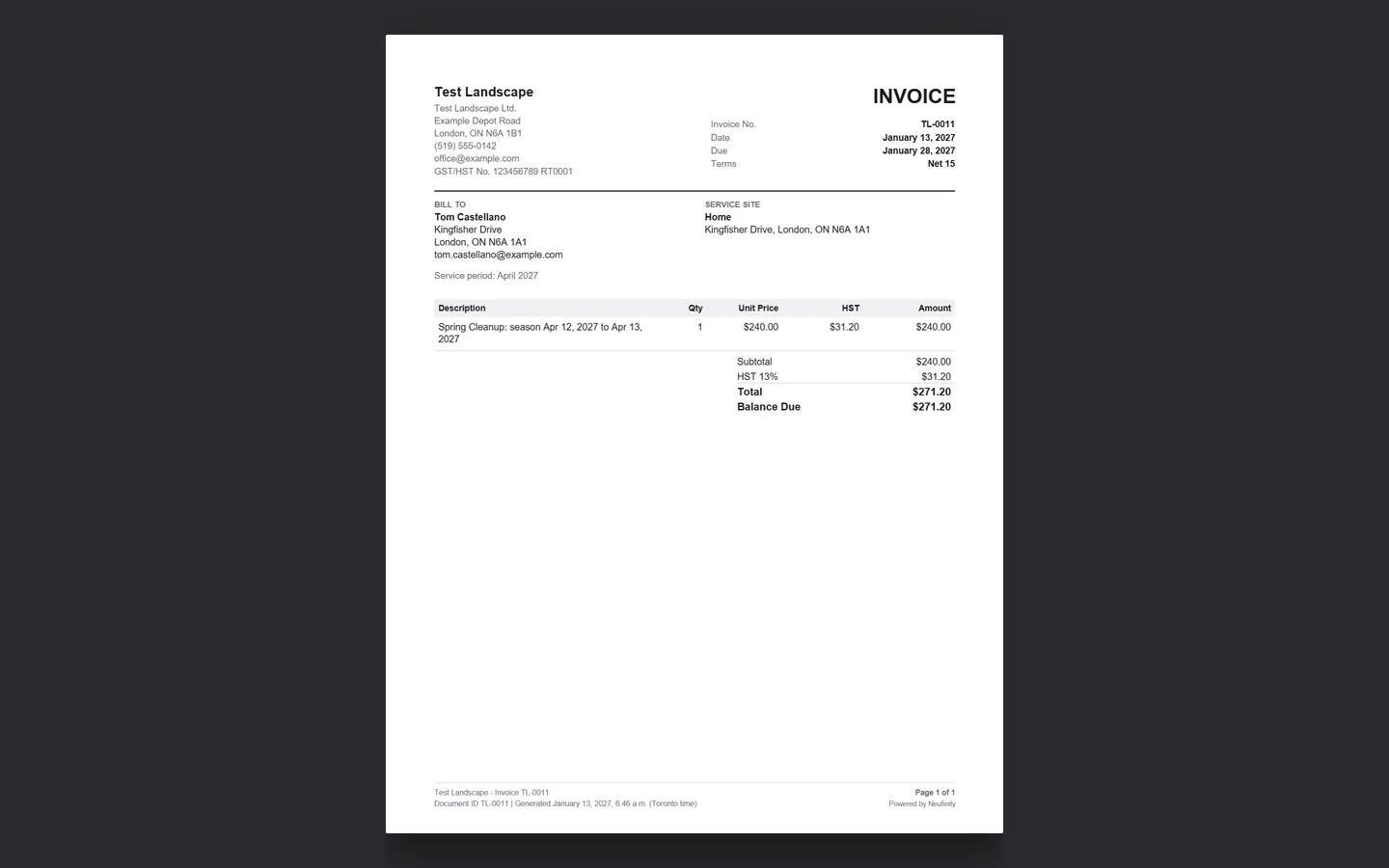
Quotes your customers accept online, seasonal contracts, invoices with HST under your name, and a month-end that closes with a QuickBooks export.
- Customers and sites
- Seasonal and per-push contracts
- Quotes accepted online
- Invoices with HST
- Month-end and QuickBooks export
Field App
One Tap at the Curb
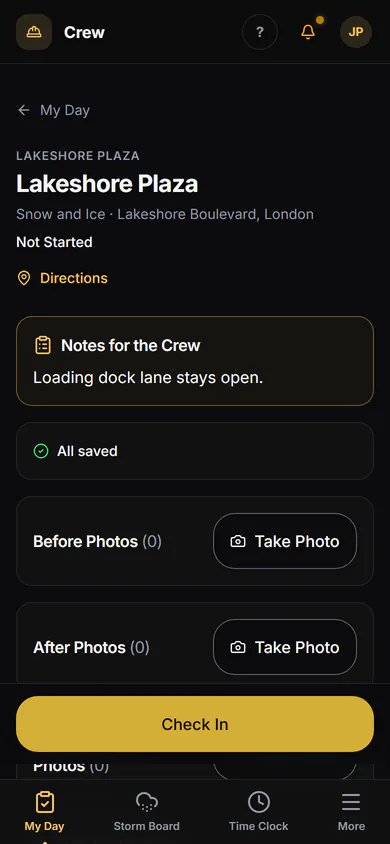
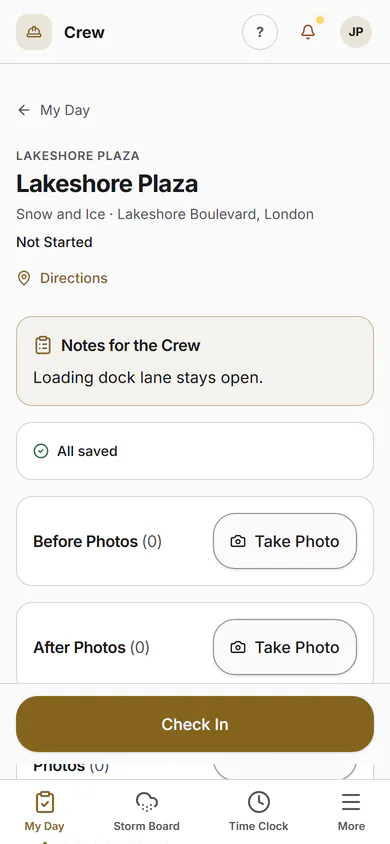
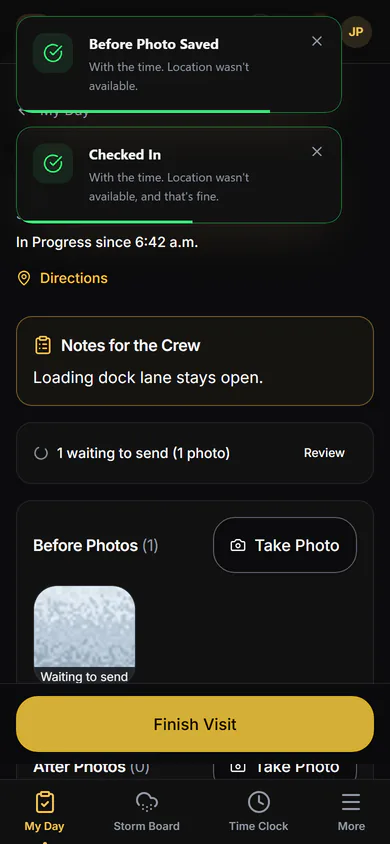
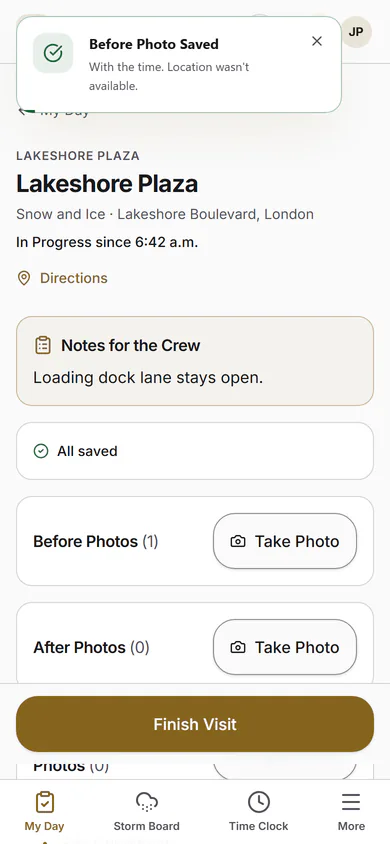
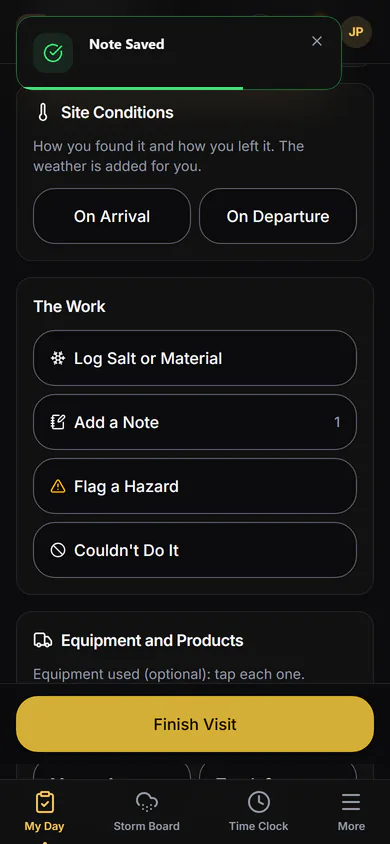
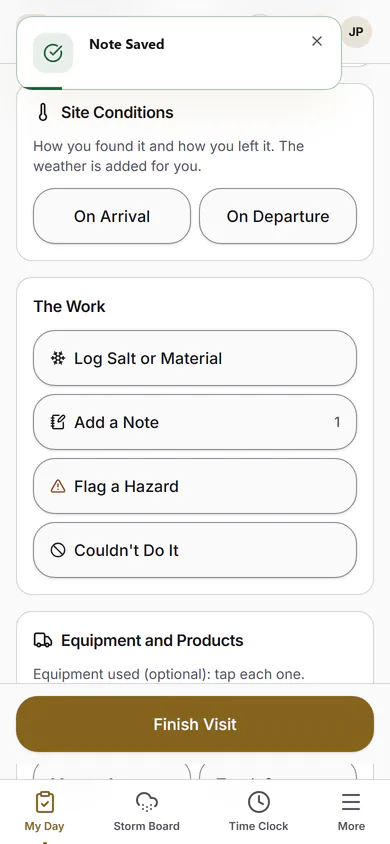
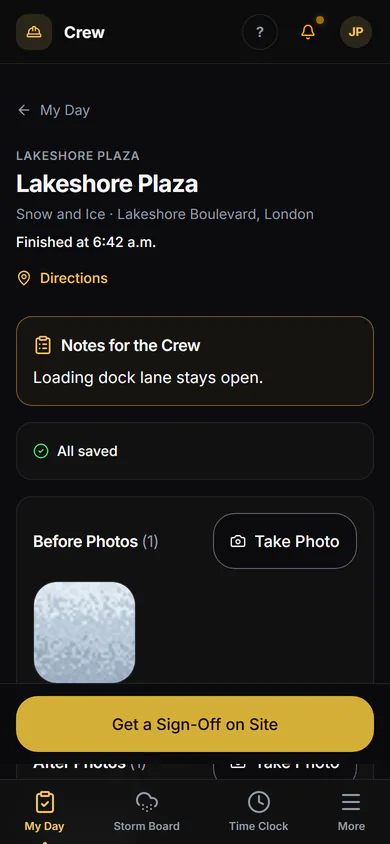
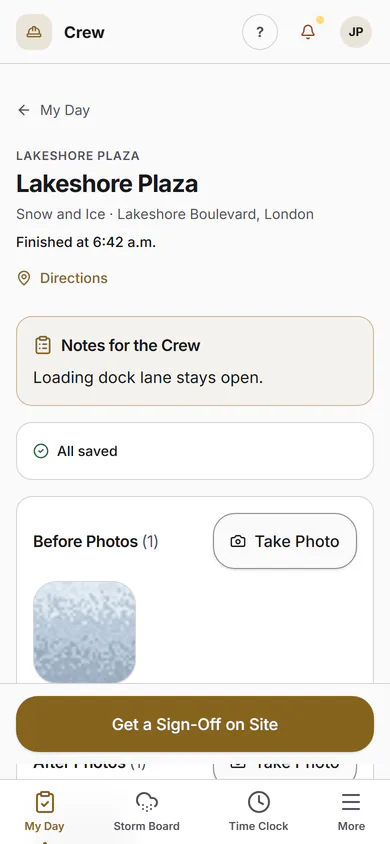
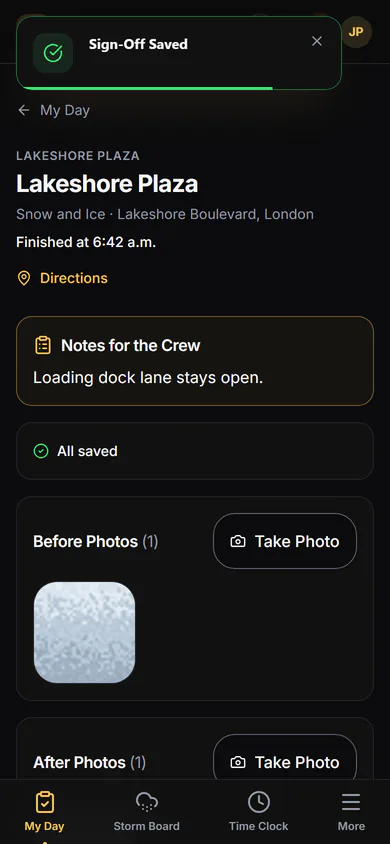
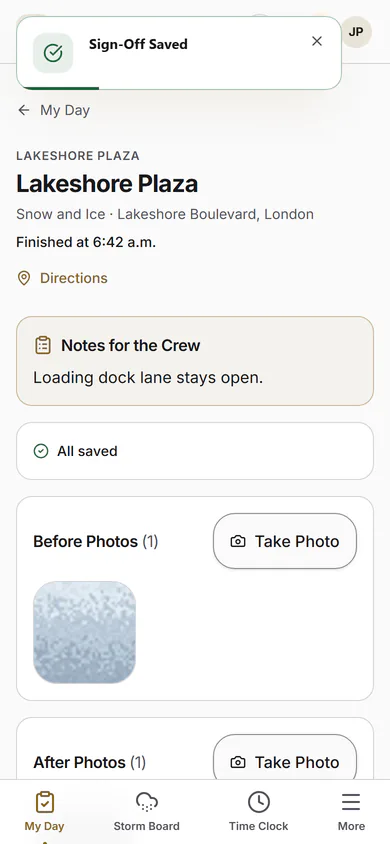
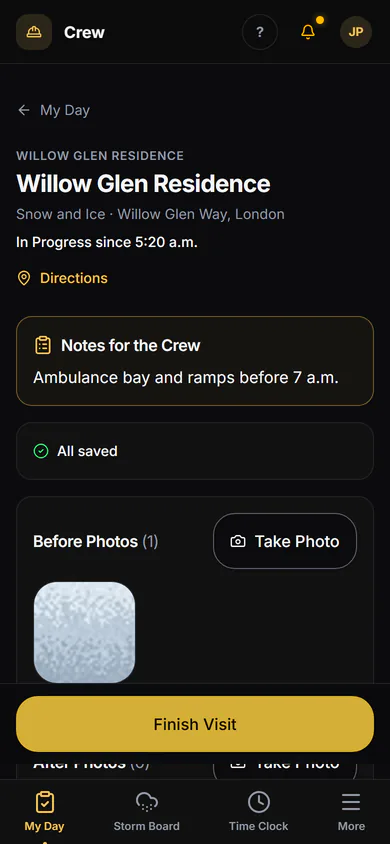
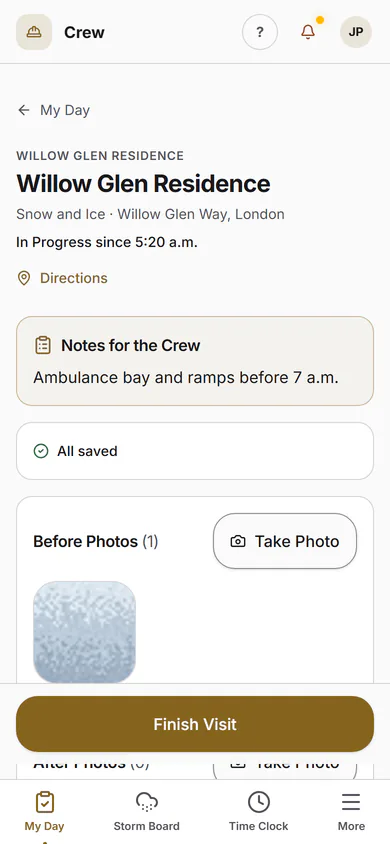
My Day shows the crew where to go. One tap checks in, the camera takes the before and after, and one more tap checks out. It's added to the home screen from the browser, and signing in is Face ID or a fingerprint.
- My Day, in route order
- Check in and out with GPS
- Photos, site notes and Couldn't Do It
- Timesheets from the same phone
Proof
Proof That Wins the Renewal
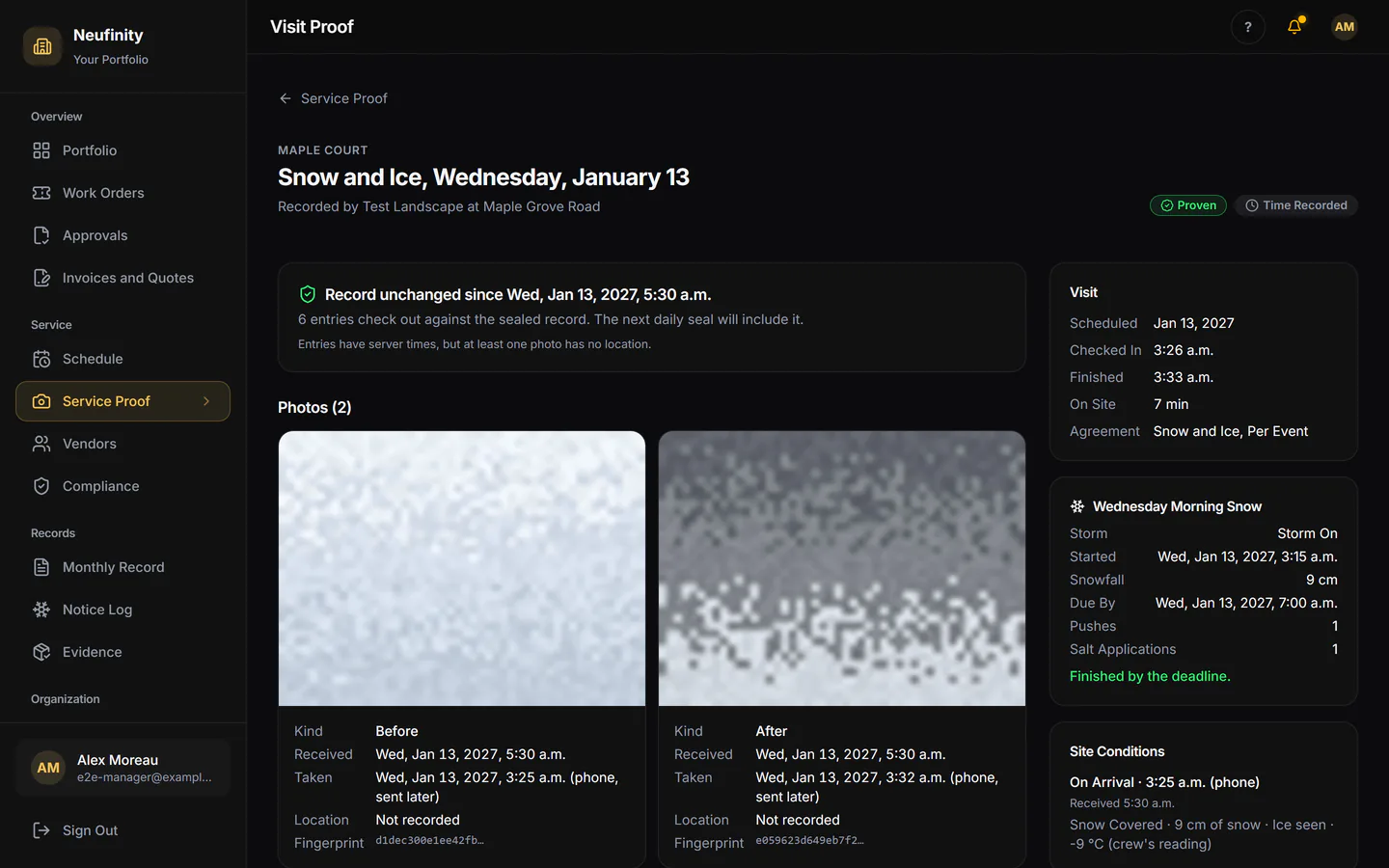
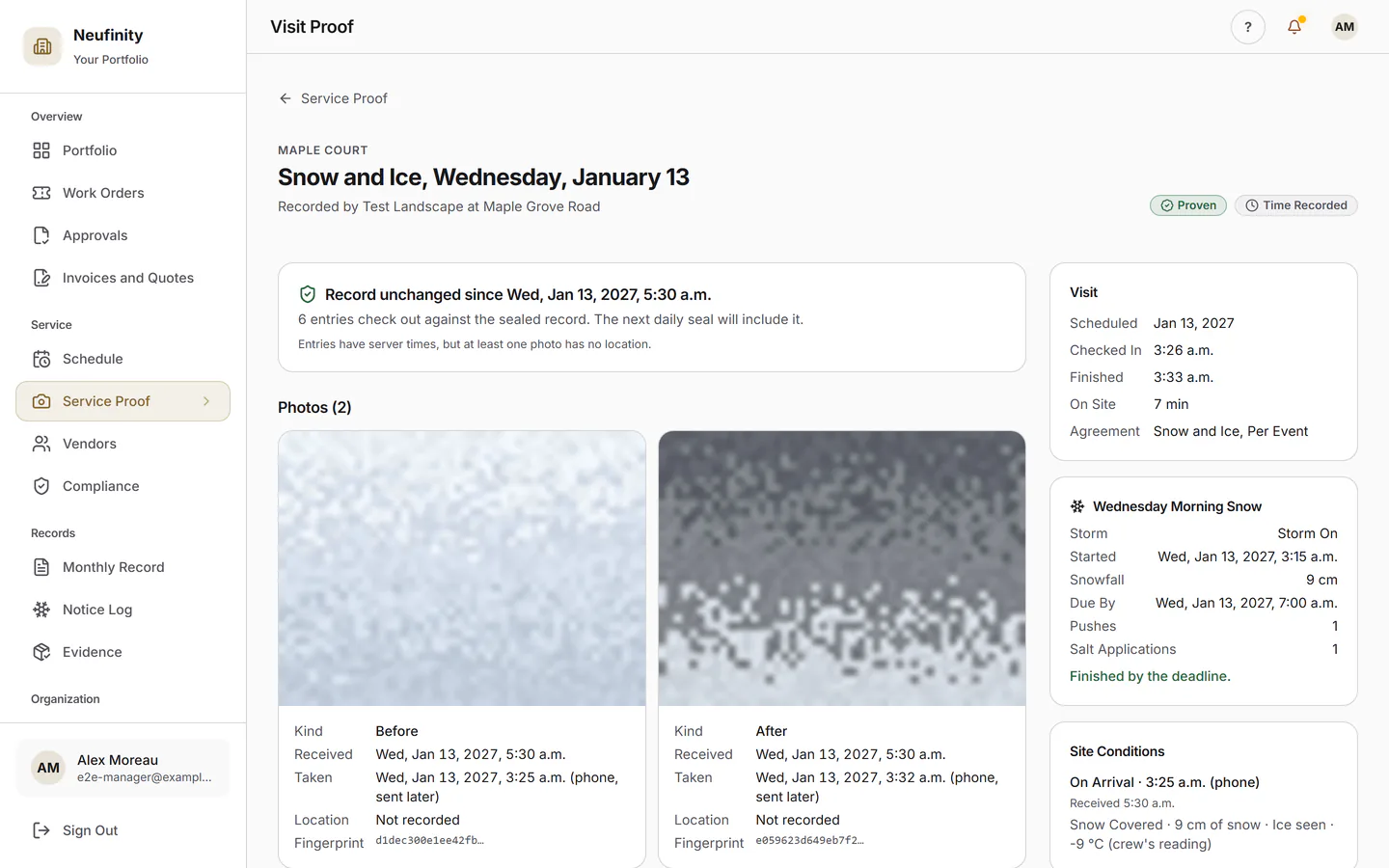
When the board asks whether you came, your visits answer for you: times, photos and, when someone at the building was there, their signature, on your customer's record.
- Your customer sees each visit at their building
- Who signed, or a plain note that no one did
- Anyone with the record code can check it
- A Record That Shows Any Later Edit In Final Testing
Know Your Numbers
The Business Side, Without the Spreadsheets
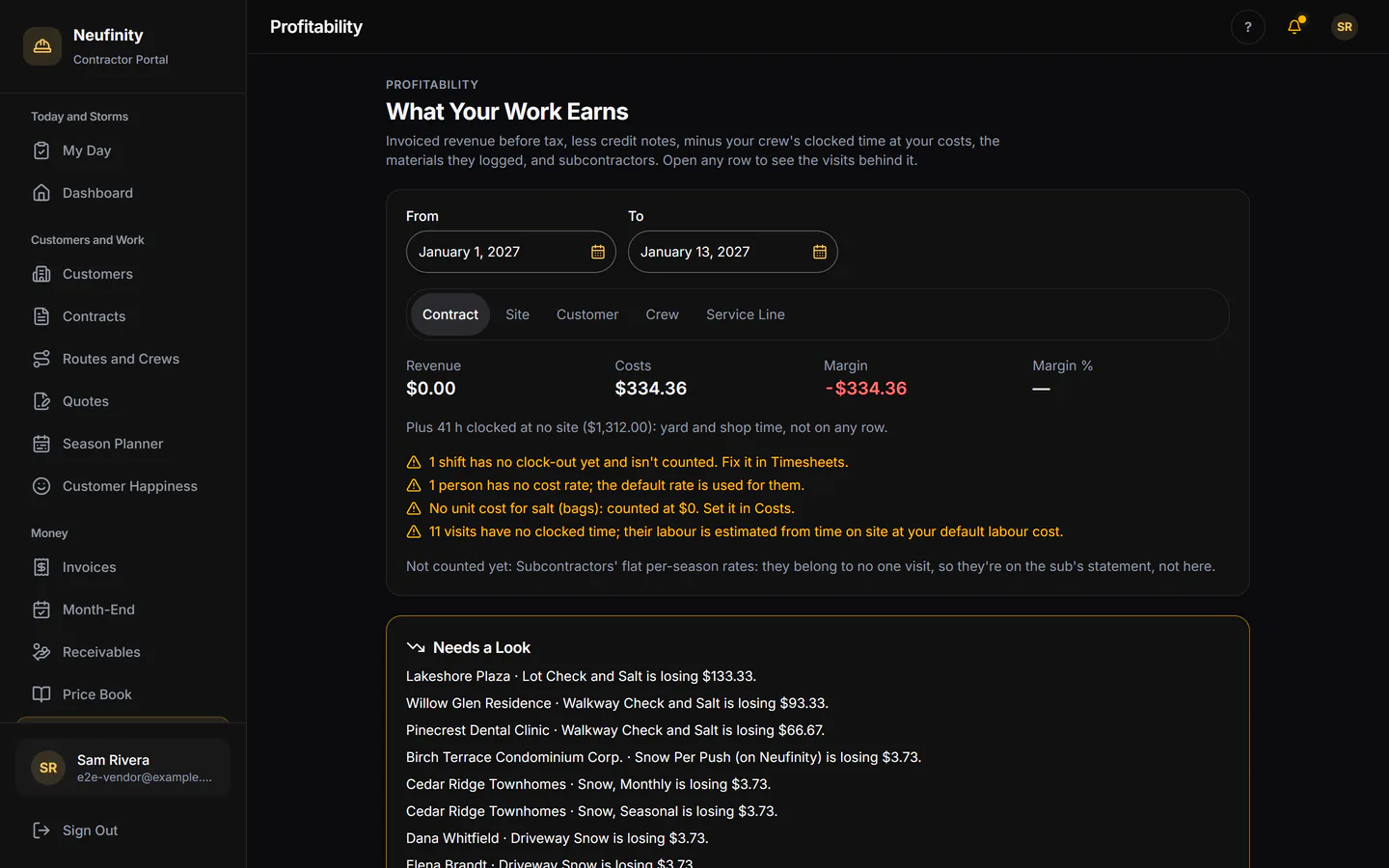
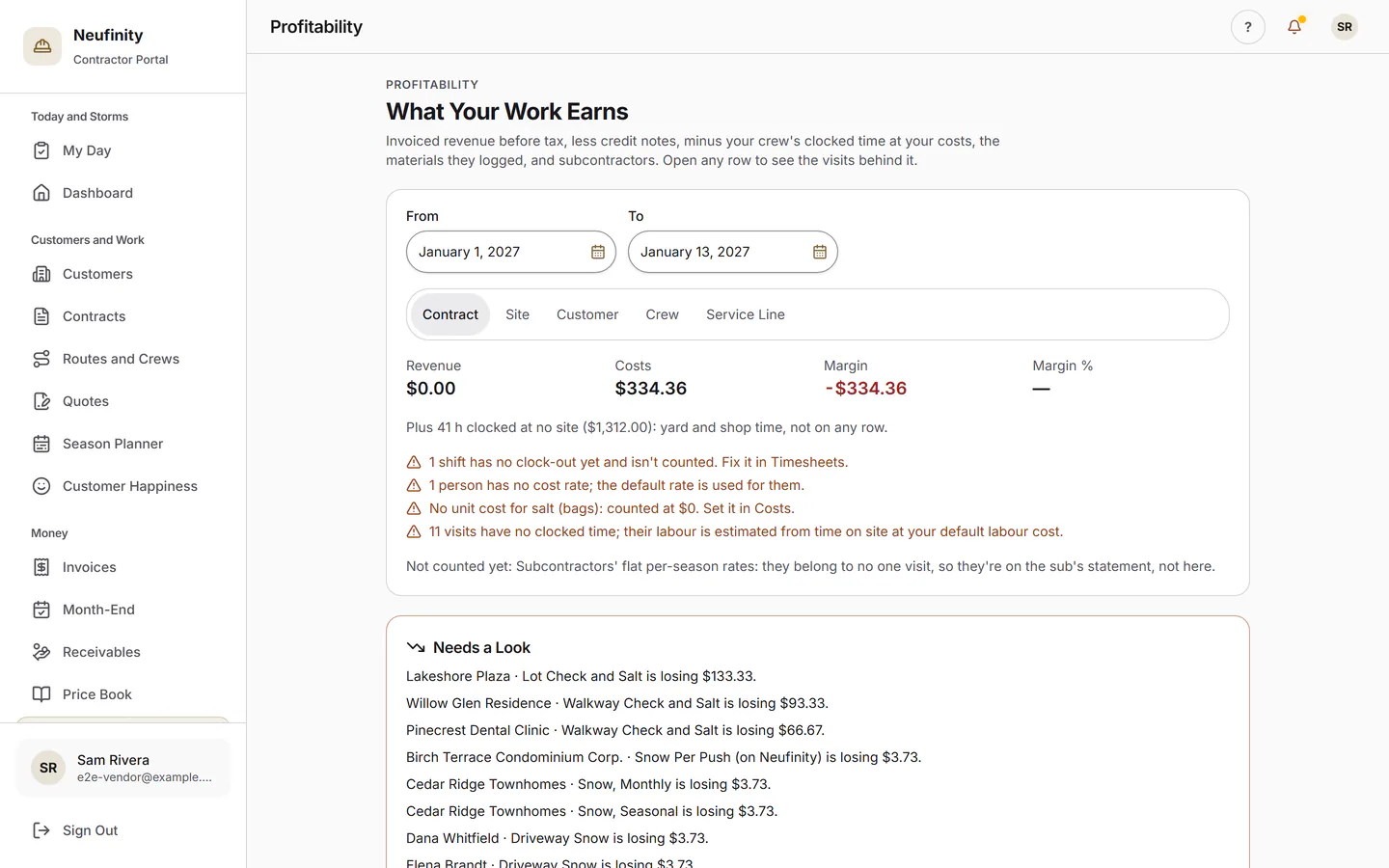
Profitability by Contract
What each contract earns after labour.
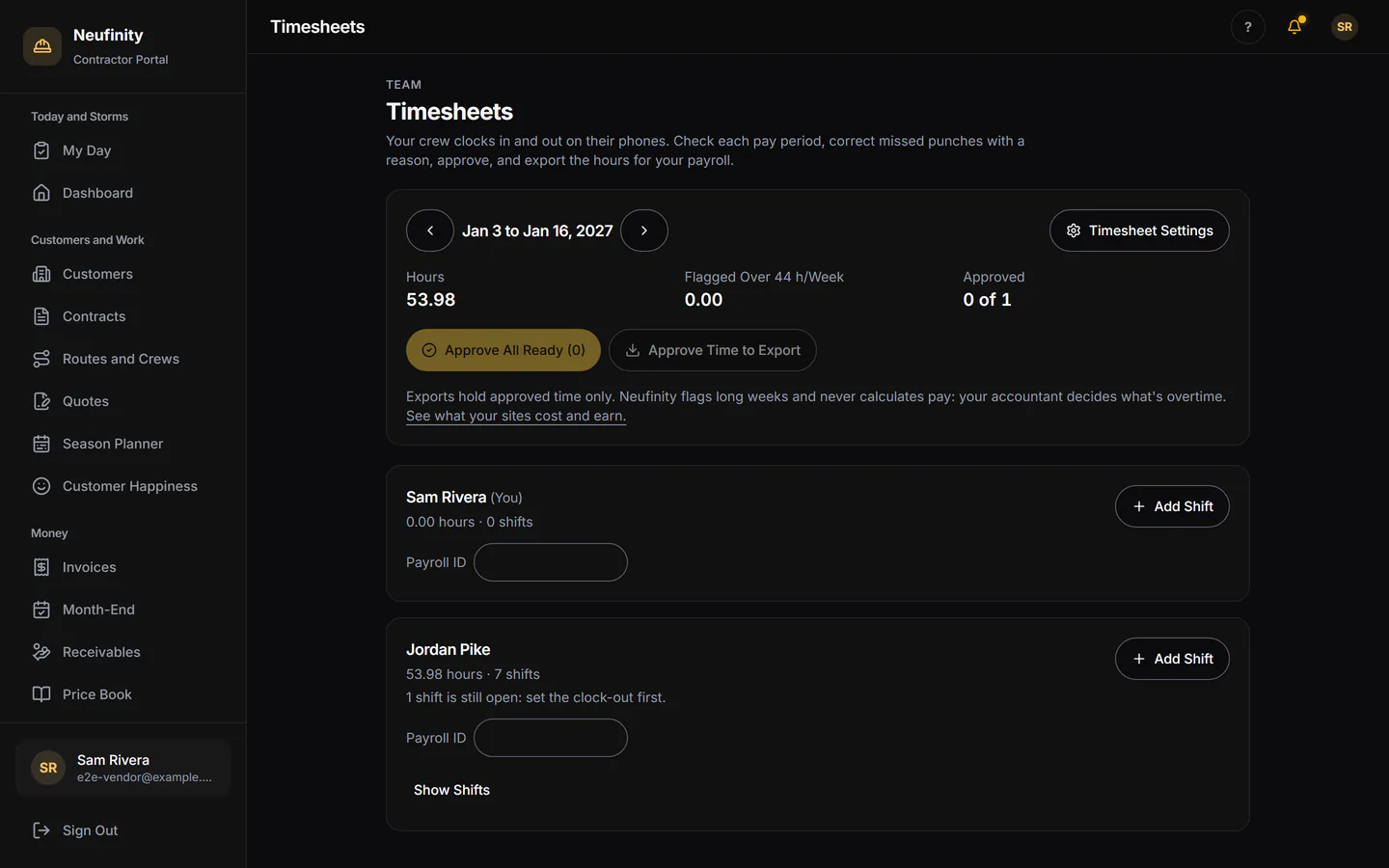
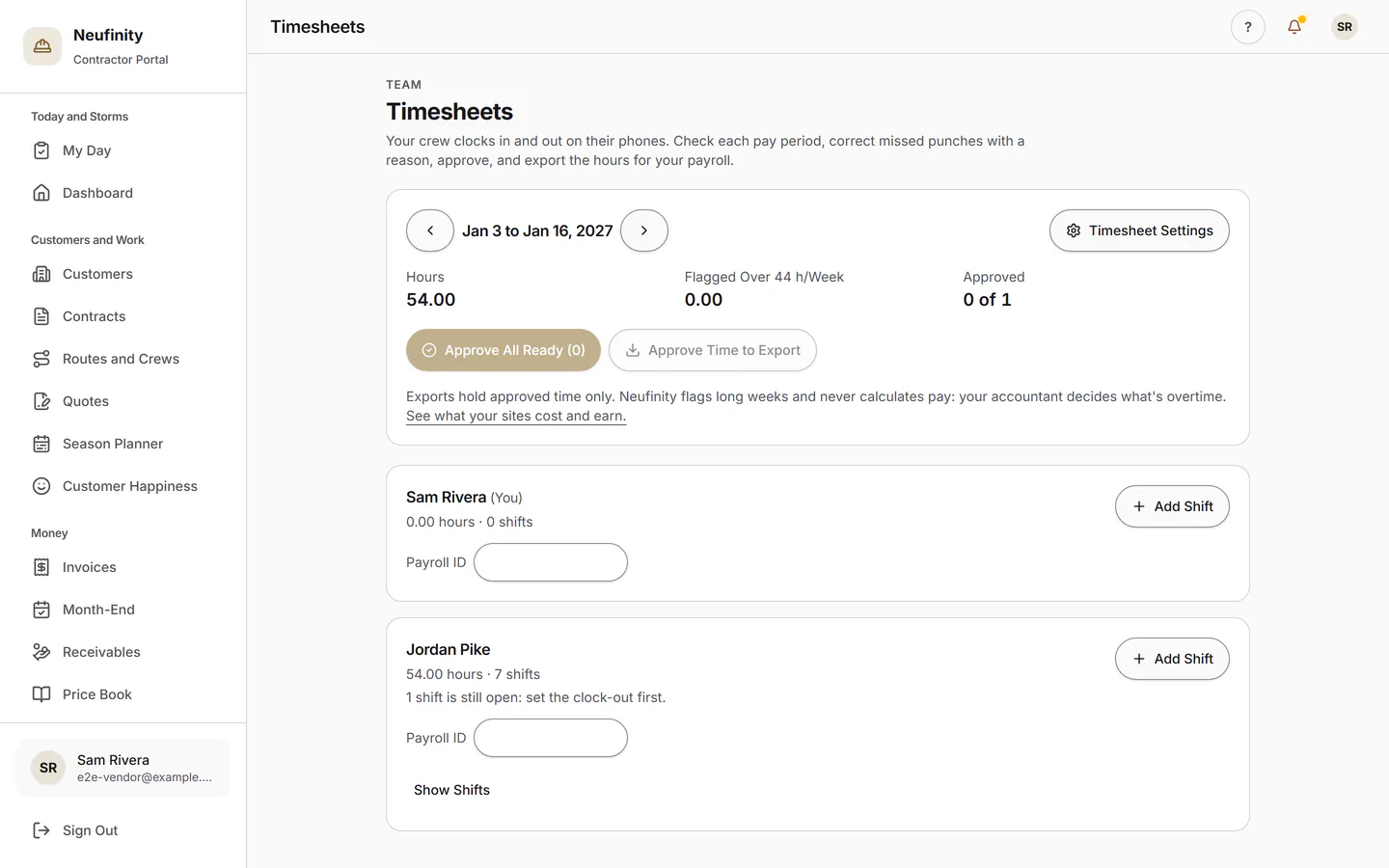
Timesheets
Hours from the crew's phones, ready for payroll.
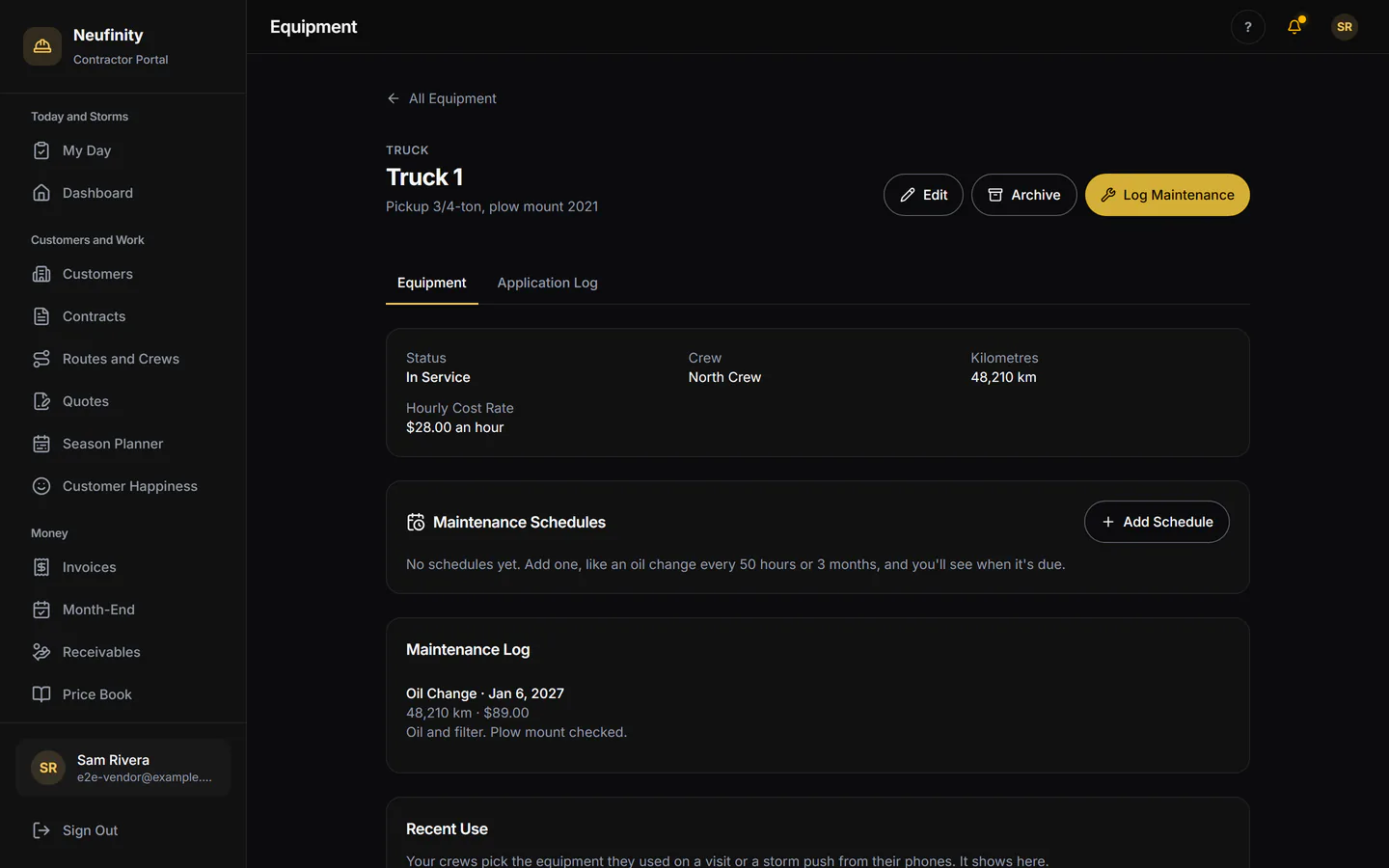
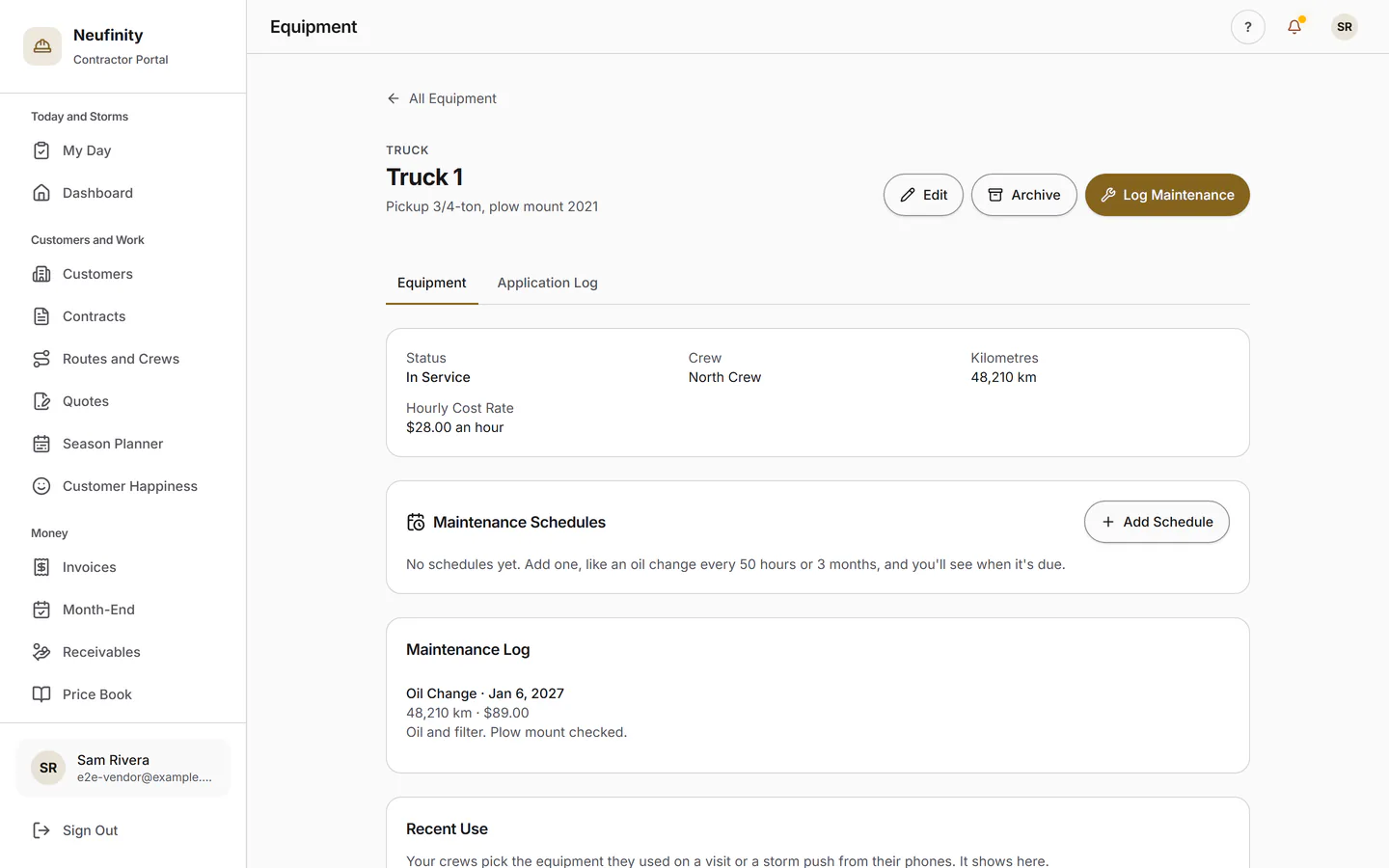
Equipment and Maintenance
Trucks, plows and mowers, with their service log.
Morning Digest
What happened yesterday and what's on today.
Switching
Bring Your Customers. Practise First.
Import from a Spreadsheet
Customers and sites come in from a spreadsheet, with a preview before anything is saved.
Run a Practice Storm
Practice sites and a practice storm let the crew try storm night before the first real one. Practice never reaches an invoice.
Export Any Time
Your customers, visits and invoices are yours, and they export whenever you ask.
Pricing
What It Costs
Free Until May 1, 2027
The contractor office, the field app and storm night, with your whole crew. There's no per-user charge, and no lead fees.
Pricing in December
Contractor pricing will be announced in December, months before the free period ends. Most field-service software charges per user, per month; Neufinity doesn't.
See Contractor PricingFAQ
Questions Contractors Ask
Contractor pricing will be announced in December, and the contractor office and field app are free until May 1, 2027. There's no per-user charge. The pricing page has the details.
See PricingContractor accounts open by invitation while we onboard this season. Ask for an invite and we'll reply within one business day. If a customer already invited you, open the link they sent.
Request an InviteWorks with Poor Signal: The crew's phone keeps recording in parking garages, basements and dead zones, and syncs when it reconnects. Status: In Final Testing.
Not yet. Card and bank-debit payment on your invoices. Today, invoices go out in your name and you record payments yourself. Status: Coming Spring 2027.
No. Neufinity doesn't sell leads. You run your own customers on Neufinity.
No. Your customer chose you, contracts with you and pays you. Neufinity is your office and the record of the work, not a middleman.
A phone with a camera. The field app is added to the home screen from the browser, and signing in is Face ID or a fingerprint.
Yes. Import customers and sites from a spreadsheet, run a practice storm on practice sites, and export everything any time.

Made in London, Ontario
Be Set Up Before the First Storm
Free until May 1, 2027, for your whole crew. See Pricing.
Contractor accounts open by invitation while we onboard this season. Ask for yours, and we'll reply within one business day.